What Is a Joystick | Parts – Working | Comparison & Problems
Published: 15 Sep 2026
Imagine trying to fly a virtual airplane in a computer game using only a keyboard. It would be difficult and less realistic. That’s why many gamers and professionals use a joystick.
A joystick is an input device that controls movement and direction by sending commands to a computer or other electronic devices.
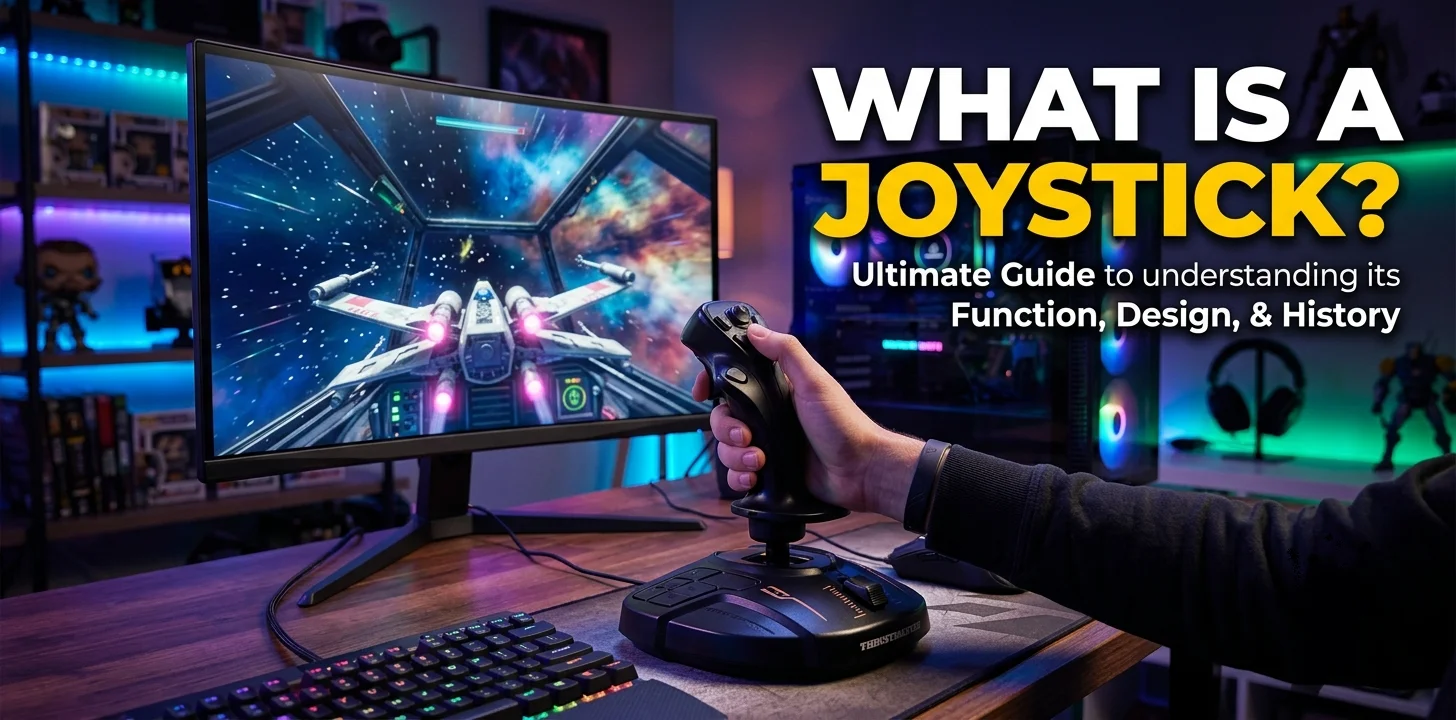
The first joystick was developed for military and aviation purposes, and later became popular with the rise of arcade and home video games. Today, joysticks are available in wired and wireless models and are widely used wherever precise and smooth directional control is needed.
Working
A joystick works by detecting the direction in which its stick is moved. When you push the stick forward, backward, left, or right, built-in sensors convert that movement into electronic signals and send them to the computer or gaming device.
The device then performs the corresponding action, such as moving a character, steering a vehicle, or controlling an aircraft. Pressing the joystick’s buttons also sends commands to perform specific tasks, such as jumping, shooting, or selecting options.
Parts of a Joystick
- Handle (Stick): The main part that you move to control direction.
- Base: Supports the joystick and keeps it stable during use.
- Trigger Button: A primary button used for actions like firing or selecting.
- Control Buttons: Extra buttons for different commands in games or software.
- Thumb Buttons: Small buttons that can be pressed with your thumb for quick actions.
- Direction Sensors: Detect the movement of the joystick and send signals to the device.
- USB Cable or Wireless Receiver: Connects the joystick to a computer or gaming console.
- Internal Circuit Board: Processes the joystick’s movements and button inputs into electronic signals.
Uses of a Joystick
- Playing Video Games: Used to control characters, vehicles, and actions in different types of games.
- Flight Simulators: Helps pilots and learners control virtual aircraft with realistic movements.
- Driving Simulators: Used to steer vehicles in racing and driving simulation software.
- Military Training: Assists in operating simulation systems for training purposes.
- Robotics: Controls the movement of robots and robotic arms with precision.
- Industrial Machines: Used to operate cranes, excavators, and other heavy machinery.
- Electric Wheelchairs: Allows users to control the direction and speed of the wheelchair.
Features of Modern Joysticks
- Ergonomic Design: Comfortable to hold and use for long gaming sessions.
- Programmable Buttons: Lets users assign custom functions to different buttons.
- Adjustable Sensitivity: Allows users to change how responsive the joystick is.
- Vibration Feedback: Provides vibrations to make games feel more realistic.
- USB Plug-and-Play: Many joysticks work instantly without installing extra software.
- RGB Lighting: Some gaming joysticks feature customizable LED lighting.
- Wide Compatibility: Supports multiple platforms such as PCs, gaming consoles, and some mobile devices.
- Durable Build: Made with strong materials to withstand regular use.
Can a Joystick Be Used Instead of a Mouse?
Yes, a joystick can be used instead of a mouse for certain tasks. Some computers and software allow a joystick to control the mouse pointer on the screen.
However, it is mainly designed for gaming, flight simulators, and controlling machines rather than everyday computer use. For tasks like browsing the web, editing documents, or selecting small items on the screen, a mouse is generally faster, more accurate, and easier to use.
Joystick vs Game Controller
| Joystick | Game Controller |
|---|---|
| Has a single stick mounted on a base. | Handheld device with buttons, thumbsticks, and triggers. |
| Flight simulators, arcade games, and precise directional control. | Console games, PC games, and general gaming. |
| Controlled by moving one main stick. | Uses thumbsticks and a D-pad for movement. |
| Usually has fewer buttons. | Has many buttons, triggers, and shoulder controls. |
| Best when placed on a desk or flat surface. | Designed to be held comfortably in both hands. |
| Provides more accurate control for simulation games. | Offers balanced control for a wide variety of games. |
| Less portable because of its larger size. | Easy to carry and use anywhere. |
| Flight simulation, robotics, industrial machines, and arcade gaming. | Action, racing, sports, adventure, and multiplayer games. |
How to Maintain a Joystick
Taking good care of your joystick helps it work smoothly and last longer. Clean the joystick regularly with a soft, dry cloth to remove dust and dirt. Avoid eating or drinking near it, as spills can damage the buttons and internal parts.
Do not pull or bend the cable if you use a wired joystick. If it is wireless, remove the batteries when you will not use it for a long time. Store the joystick in a clean, dry place and protect it from direct sunlight, heat, and moisture. You should also update its drivers or firmware when new versions are available to ensure the best performance and compatibility.
Common Problems and Solutions
- Joystick Not Detected: Check that the joystick is properly connected to the USB port or paired through Bluetooth. Restart your computer and update or reinstall the joystick drivers if needed.
- Buttons Not Working: Clean the buttons to remove dust and dirt. Test the joystick in another game or device to see if the problem is with the joystick or the software.
- Joystick Drift: Recalibrate the joystick in your computer’s settings. If the problem continues, clean the joystick carefully or replace worn internal parts.
- Connection Problems: Make sure the USB cable is not damaged. For wireless joysticks, check the battery level and ensure the Bluetooth connection is stable.
- Calibration Issues: Open the joystick calibration tool in your operating system and follow the on-screen instructions to reset and calibrate the joystick for accurate movement.
Final Words
A joystick is a reliable input device that provides accurate and smooth control for gaming, simulations, and many professional applications. With its useful features and proper maintenance, it can deliver excellent performance and make controlling devices easier and more precise.
If you have any questions about joysticks, feel free to ask in the comments below. We’ll be happy to help!



- Be Respectful
- Stay Relevant
- Stay Positive
- True Feedback
- Encourage Discussion
- Avoid Spamming
- No Fake News
- Don't Copy-Paste
- No Personal Attacks
- Be Respectful
- Stay Relevant
- Stay Positive
- True Feedback
- Encourage Discussion
- Avoid Spamming
- No Fake News
- Don't Copy-Paste
- No Personal Attacks
