What Is Soft Delete? Meaning, Examples, Comparison, Benefits & Risks
Published: 19 Sep 2026
In simple words, Soft Delete makes data look deleted to users while keeping the original record stored in the background.
What is soft delete in database? Soft Delete is a way of removing a record from normal use without actually deleting it from the database. When you soft-delete something, the system usually marks the record as deleted instead of removing it permanently.
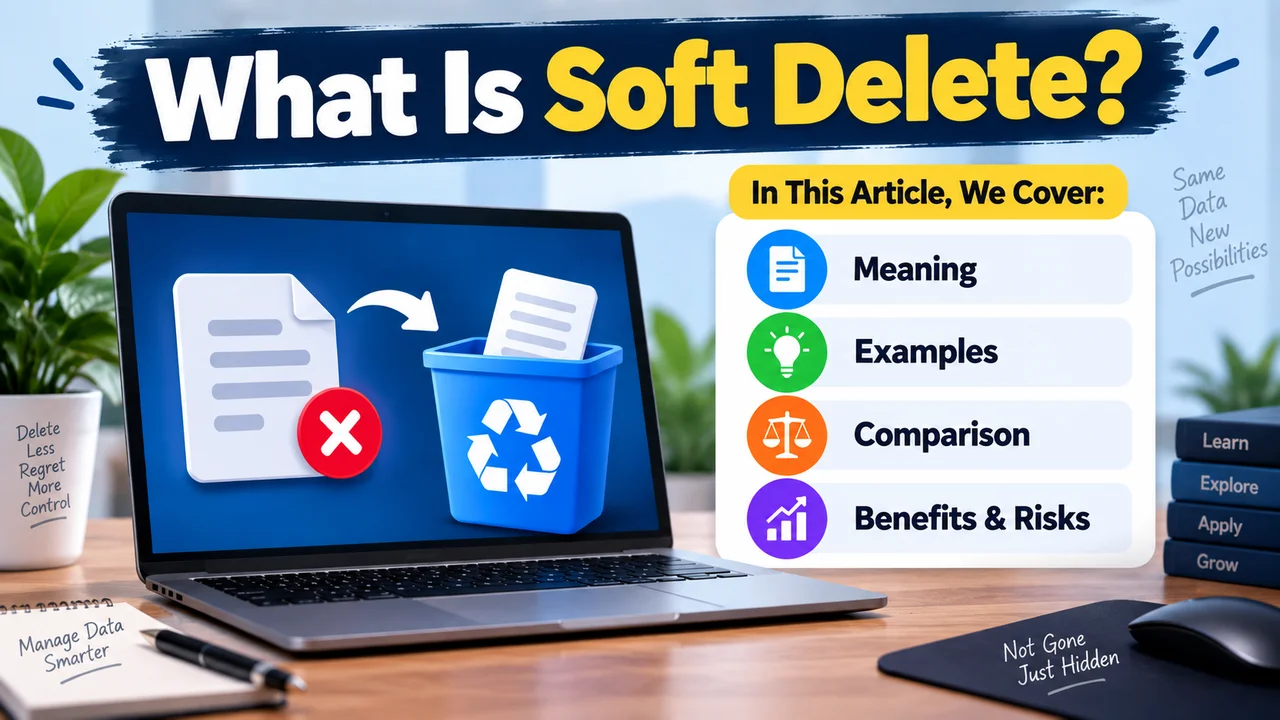
For example, a database may add a deletion date in a deleted_at field or change an is_deleted value from false to true. The record still exists, but the application hides it from normal searches, lists, or reports. This means the data can often be restored later if needed.
2 Real-life Examples of Soft Delete
Soft delete is easier to understand with everyday examples. You may already use it without realizing how it works. The Recycle Bin on a PC, Trash on a phone, and deleted blog posts are simple ways to understand this idea.
1. Recycle bin & Trash Folder
Think about the Recycle Bin on a Windows PC or the Trash folder on a phone. When you delete a file, it not disappear permanently right away.
Instead, the system moves it to the Recycle Bin or Trash, where you can restore it later. This is similar to how Soft Delete works in a database: the record is kept instead of being immediately removed, allowing it to be recovered when needed.
For example, if you accidentally delete a photo from your phone and it appears in the Trash folder, you can restore it before the system permanently removes it.
2. Blog Post
Suppose you delete a blog post from a website. With Soft Delete, the post is not removed from the database. Instead, the system marks it as deleted, such as by adding a date to the deleted_at field.
When the website loads your posts, it checks this field and skips records marked as deleted. As a result, the post disappears from the normal dashboard and website, but it can still remain available for recovery or permanent removal later.
For example, a record may change from:
deleted_at = NULL to: deleted_at = 2026-09-13The first value means the post is active, while the second tells the system that it has been soft-deleted.
Other Soft Delete Examples in Real Life
- Emails: Deleted emails may stay in the Trash or Bin for some time before permanent removal.
- Social Media Posts: A deleted post may be kept temporarily so you can restore it.
- Online Shopping: A removed product may be marked inactive instead of being permanently deleted.
- User Accounts: A closed account may be deactivated while its data is retained for a certain period.
- Cloud Storage: Deleted files can remain in a Trash or Recently Deleted folder.
- Notes and Documents: Deleted notes or documents may stay in a Trash folder before permanent deletion.
Advantages of Soft Delete
- Easy Data Recovery: Deleted records can often be restored.
- Prevents Accidental Loss: Data stays available if something is deleted by mistake.
- Keeps History: Old records remain available for future reference.
- Supports Auditing: Deleted records can help track past changes.
- Protects Related Data: Keeps records that may still be needed by other parts of the system.
Risks & Disadvantages of Soft Delete
- Uses More Storage: Deleted records still occupy database space.
- Data May Leak: Deleted data can still be accessed if not properly protected.
- More Complex Queries: Applications must correctly filter deleted records.
- Database Can Grow: Keeping old records can make the database larger over time.
- Not True Deletion: Data remains stored until it is permanently removed.
Can Soft-Deleted Data Be Permanently Deleted?
Yes, soft-deleted data can be permanently deleted when the system is designed to remove it later. This process is often called hard deletion or purging.
For example, a website may keep a deleted account for 30 days so the user can recover it. After that period, the system can permanently remove the record from the database.
Some systems also let administrators permanently delete soft-deleted records manually. However, permanent deletion may also require removing related copies, backups, or other stored versions if the goal is to completely eliminate the data.
Soft Delete vs Hard Delete
| Soft Delete | hard delete |
|---|---|
| Data is marked as deleted but remains stored | Data is permanently removed |
| Data recovery: usually possible | Data recovery: usually not possible |
| Example: File is moved to the Recycle Bin. | Example: File is deleted from the Recycle Bin also or permanently deleted by skiping recycle bin. |
| Purpose: Helps recover accidentally deleted data | Purpose: Permanently removes unwanted data |
Soft Delete vs Archive: Are They the Same?
No, Soft Delete and Archive are not exactly the same, although both can keep data out of the normal view. Soft Delete usually means a record has been marked as deleted but is still stored for possible recovery or later permanent removal.
Archiving, on the other hand, means keeping data that is no longer active but may still be useful for future reference. For example, an old customer order may be archived because it is no longer active, while a deleted order may be marked for removal but kept temporarily in case it needs to be restored.
The main difference is the purpose: archiving focuses on keeping old data, while soft deletion focuses on marking data as deleted.
Conclusion
Soft delete does not remove data immediately. Instead, it marks the data as deleted while keeping it in the system. This makes it easier to recover accidentally deleted files, posts, or records. Examples like the PC Recycle Bin, phone Trash, and deleted blog posts help explain the basic idea.
However, soft delete also has risks. The data may still exist and use storage, and it can sometimes be accessed if the system is not handled properly. Understanding how soft delete works can help you avoid accidental data exposure and choose the right deletion method for your needs.



- Be Respectful
- Stay Relevant
- Stay Positive
- True Feedback
- Encourage Discussion
- Avoid Spamming
- No Fake News
- Don't Copy-Paste
- No Personal Attacks
- Be Respectful
- Stay Relevant
- Stay Positive
- True Feedback
- Encourage Discussion
- Avoid Spamming
- No Fake News
- Don't Copy-Paste
- No Personal Attacks
