What is a Kiosk Receipt Printer? Working, Features, Types, Uses & Troubleshooting
Published: 15 Sep 2026
If you have used self-order restaurant terminals, airport ticketing kiosks, parking payment machines or hospital check-in stations, you have interacted with a kiosk receipt printer, also widely known as an embeddable receipt printer.
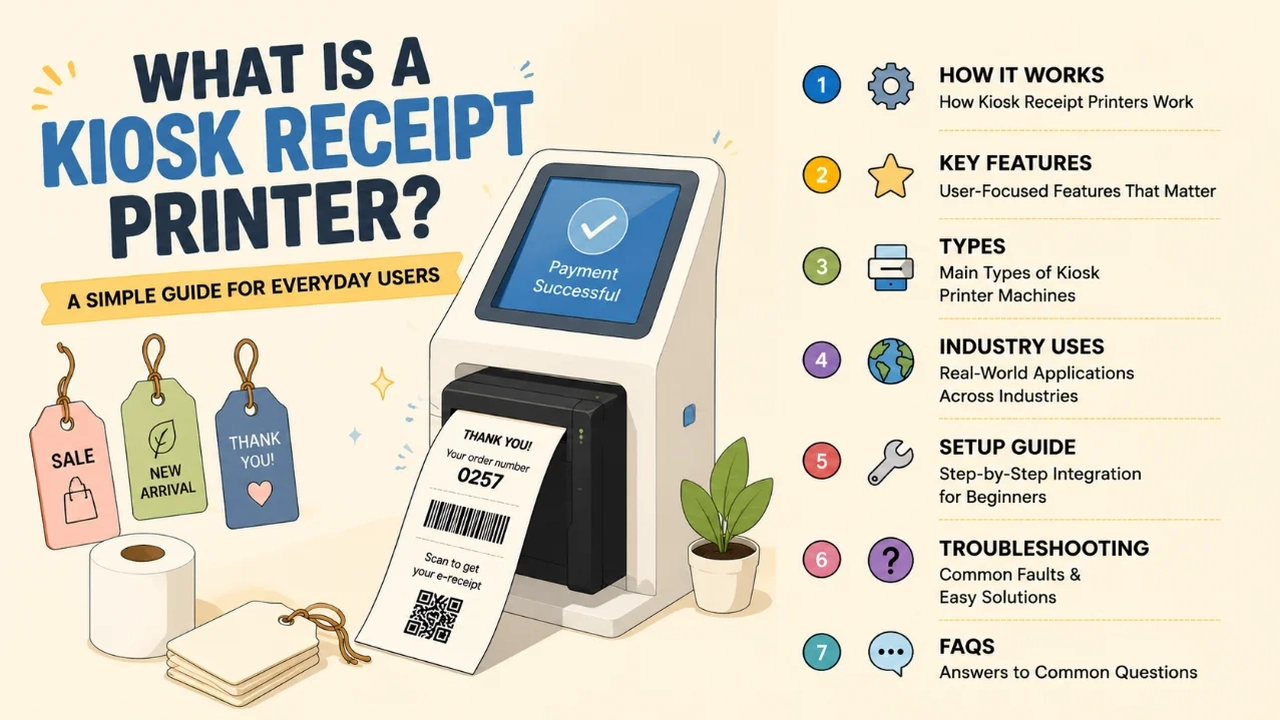
Unlike regular desktop receipt printers that sit outside devices, this compact hardware is built to be mounted fully inside self-service equipment, printing transaction slips, tickets and vouchers for unattended public use.
Most business integrators and venue managers struggle with unreliable external printers that jam, run slow or take up extra space. Embeddable receipt printers solve these pain points by fitting neatly within kiosk housings while delivering fast, consistent print output for customers with zero staff intervention.
This guide breaks down how kiosk receipt printers operate from a user and installer perspective, covers practical daily-use features, lists common printer variants, shares real industry applications, walks through simple integration setup, and resolves frequent common faults, plus a dedicated FAQ section for new buyers and technicians.
1. How Does a Kiosk Receipt Printer Work?
Nearly all modern embeddable receipt printers rely on thermal printing technology, with a small number of dot-matrix options for special multi-copy needs.
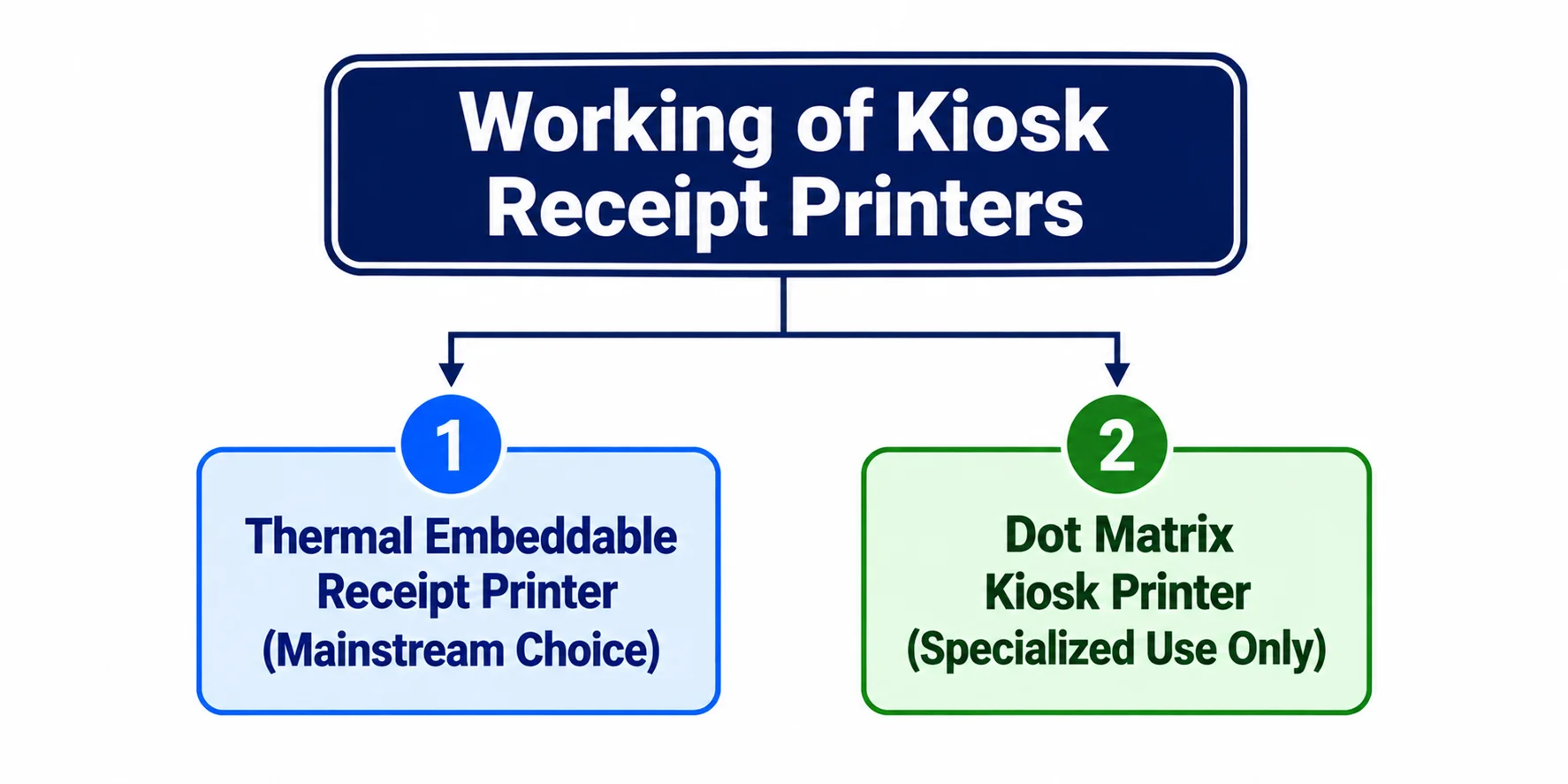
1.1 Thermal Embeddable Receipt Printer (Mainstream Choice)
Thermal kiosk receipt printers use a heated print head to mark heat-sensitive receipt paper, eliminating ink cartridges or ribbons entirely.
From an end-user standpoint, the biggest advantage is fast print speeds up to 250mm per second, cutting customer wait times at busy self-service terminals. These compact modules support adjustable paper widths between 58mm and 80mm, and include built-in paper sensors to alert systems when rolls run low.
Many designs feature slide-style auto cutters that separate receipts cleanly, so users do not need to tear paper manually. They also come with full software development kits (SDK) for easy coding integration with Windows, Android and Linux kiosk operating systems.
The hardware runs stable in temperatures from 5℃ to 40℃, making it suitable for indoor malls, transport hubs and office service halls.
1.2 Dot Matrix Kiosk Printer (Specialized Use Only)
Dot matrix embeddable receipt printers use ink ribbons to print multi-layer carbon copies. While they handle duplicate receipts for banking or logistics records, they run slower and create more noise, so they are only selected for niche industries instead of general retail self-service kiosks.
2. Features of an Embeddable Receipt Printer
Every practical kiosk printer is engineered to reduce maintenance work for venue staff and deliver smooth experiences for customers:
- Compact embedded mounting design: Supports side, front or rear installation to fit tight kiosk internal spaces without bulky external frames.
- Adjustable 58/80mm paper width: Swaps receipt sizes to fit small parking slips and full itemized restaurant order tickets.
- High-speed thermal printing: Cuts queue wait times during peak foot traffic in shopping malls and transit stations.
- Paper detection sensors: Sends real-time low-paper alerts to the kiosk screen to avoid failed customer transactions.
- Integrated auto slide cutter: Creates neat separated receipts with no messy torn edges for users.
- Universal USB connectivity: Simple wired link to all mainstream self-service terminal controllers.
- Complete SDK support: Lets developers customize receipt layouts, barcodes and QR codes without complex coding.
- Industrial stable build: Long mechanical service life, reliable for 24/7 unattended public operation.
- Global safety certifications: Compliant with international electrical standards for worldwide venue deployment.
3. Main Types of Kiosk Printer Machines
Buyers can pick embeddable receipt printers based on their self-service equipment’s use case and daily transaction volume:
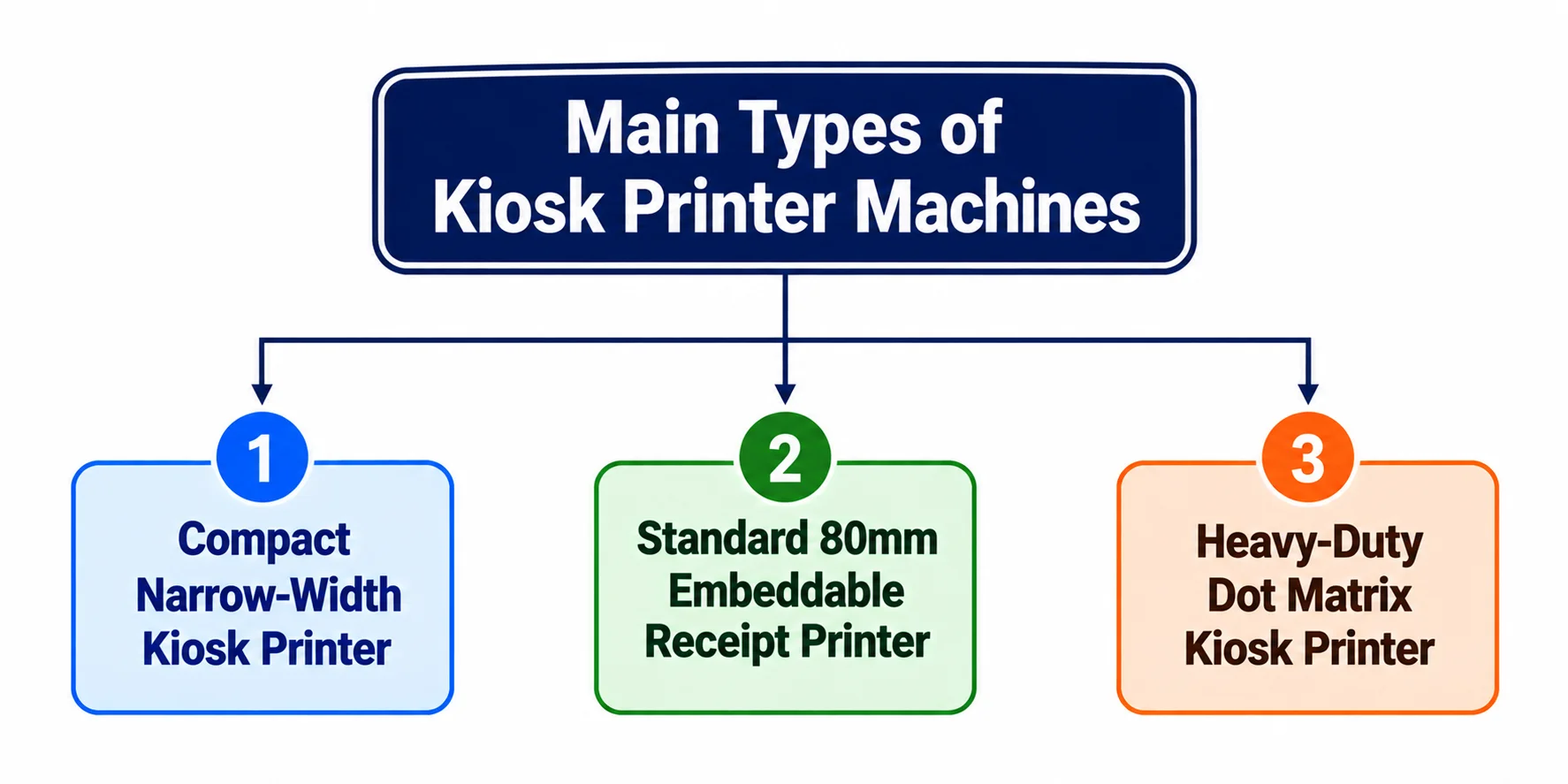
3.1 Compact Narrow-Width Kiosk Printer
58mm print width lightweight modules, perfect for small vending machines, parking payment terminals and mini library checkout kiosks with limited internal space. Low daily print load and easy paper refills for part-time venue staff.
3.2 Standard 80mm Embeddable Receipt Printer
The most widely used variant for restaurants, retail self-checkouts, hospital registration and airport ticketing kiosks. Balances print speed, paper size and installation flexibility for medium-to-high daily transaction volumes.
3.3 Heavy-Duty Dot Matrix Kiosk Printer
For banking ATMs, logistics dispatch terminals and government service machines that require duplicate carbon-copy receipts. Built to handle multi-layer paper but with slower print speeds compared to thermal models.
4. Real-life Industry Uses for Kiosk receipt printers
Embeddable receipt printers power unattended service across countless public and commercial sectors:
- Food & Beverage: Self-order kiosks printing itemized food receipts and discount vouchers
- Transportation: Airport, train and parking ticket/voucher printing terminals
- Healthcare: Hospital patient check-in slips and appointment reminder tickets
- Retail & Malls: Self-checkout payment receipts and membership reward coupons
- Banking & Government: ATM transaction slips and official service request vouchers
- Vending & Amusement: Drink, game and entertainment facility print tickets
5. Step-by-Step Beginner Integration Setup
- Secure the printer module inside the kiosk frame using its multi-direction mounting brackets.
- Load compatible thermal paper rolls matching your selected 58mm or 80mm width.
- Connect the printer’s USB cable to the kiosk’s main control board and power supply.
- Install the provided SDK and driver software on the terminal’s operating system.
- Program basic receipt templates including text, barcodes and QR code layouts.
- Run a test print to confirm cutting function and print clarity before full kiosk deployment.
6. Quick Troubleshooting for Common Kiosk Printer Issues
- Faint or blank printed receipts: Replace expired thermal paper rolls or clean the print head with alcohol wipes.
- Paper jams during printing: Clear torn paper scraps from the feed path and re-align paper roll guides.
- Auto cutter fails to separate slips: Remove debris stuck inside the cutter track mechanism.
- Kiosk cannot detect the printer: Reconnect the USB cable and restart both terminal and printer power.
- Low-paper alert fails to trigger: Calibrate the built-in paper detection sensor via SDK tools.
Final Words
A kiosk printer, also referred to as an embeddable receipt printer, is an essential embedded hardware component for all unattended self-service terminals.
Unlike external standalone printers, its compact mountable design, fast thermal printing and built-in monitoring sensors eliminate most maintenance headaches for venue operators while creating seamless quick-print experiences for every customer.
From small vending machines to large airport ticketing hubs, there is a matching embeddable receipt printer model to fit every space and transaction volume demand.
With straightforward mounting, plug-and-play USB connection and easy SDK customization, even entry-level system integrators can set up stable, long-lasting printing functions for self-service kiosks without complex technical work.
Frequently Asked Questions (FAQ)
Standard receipt printers sit externally on counters, while an embeddable receipt printer is designed to mount fully inside kiosk enclosures.
It includes multi-point mounting, built-in paper monitoring sensors and developer SDK tools that consumer desktop printers lack, built specifically for unattended 24-hour public operation.
Yes. All modern embeddable receipt printers support 1D barcodes and 2D QR codes, ideal for printing digital reward codes, ticket validation marks and payment reference numbers on customer slips.
No. Manufacturers supply complete ready-to-use SDK packages with sample templates for Windows, Android and Linux, so basic developers can integrate printing functions without deep programming knowledge.
Weekly simple upkeep: Refill thermal paper rolls when low, wipe the print head to remove dust residue, and clear paper fragments from the cutter and feed track to prevent jams.
Choose a reliable thermal transfer printer manufacturer for better product quality and complete maintenance guidance.
Thermal kiosk receipt printers work for covered outdoor terminals such as parking payment machines, as long as the entire kiosk housing blocks direct rain and extreme high temperatures to avoid print quality loss.



- Be Respectful
- Stay Relevant
- Stay Positive
- True Feedback
- Encourage Discussion
- Avoid Spamming
- No Fake News
- Don't Copy-Paste
- No Personal Attacks
- Be Respectful
- Stay Relevant
- Stay Positive
- True Feedback
- Encourage Discussion
- Avoid Spamming
- No Fake News
- Don't Copy-Paste
- No Personal Attacks
