Bluetooth Technology in Mouse | Wireless Connectivity
Published: 21 Jun 2026
A Bluetooth mouse is a wireless mouse that connects to a computer, laptop, tablet, or smartphone through Bluetooth technology. Unlike traditional wired mice, it does not require a cable.
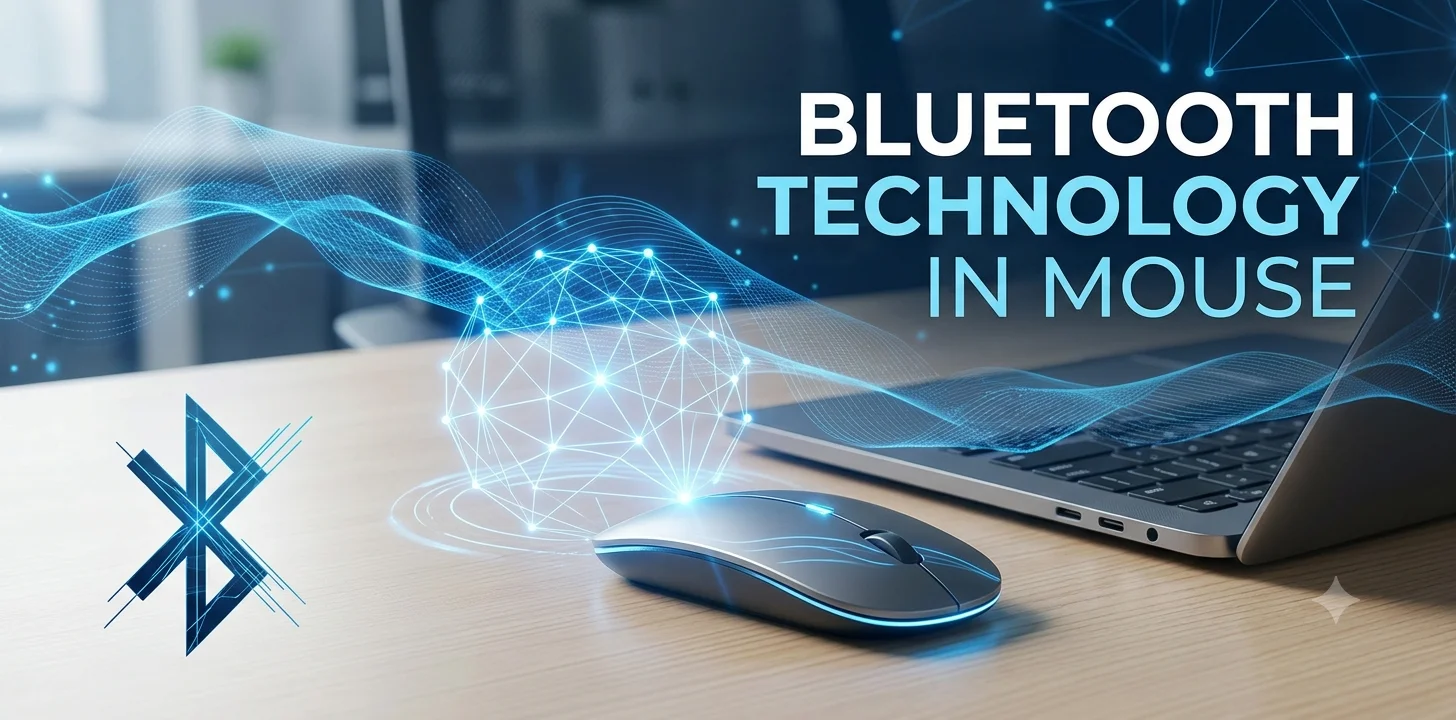
It also differs from many wireless mice because it can connect directly through the device’s built-in Bluetooth feature without needing a separate USB receiver.
How Bluetooth Technology Works in a Mouse
A Bluetooth mouse contains a small Bluetooth transmitter. When the mouse is turned on, it searches for nearby devices that support Bluetooth. After pairing with a computer or another device, a secure wireless connection is established.
Once connected, the mouse continuously sends movement and button-click information to the device. The operating system receives these signals and translates them into cursor movement and commands on the screen.
Main Components of a Bluetooth Mouse
A Bluetooth mouse uses several important components:
- Bluetooth module for wireless communication
- Optical or laser sensor to track movement
- Buttons and scroll wheel for user input
- Battery to provide power
- Internal processor to manage mouse operations
These components work together to provide smooth and accurate control.
Advantages of Bluetooth Technology in Mouse
- Most Bluetooth mice connect directly to devices that have Bluetooth support. This keeps USB ports free for other accessories.
- Since there are no wires, the workspace looks cleaner and more organized.
- Bluetooth mice are easy to carry and are useful for people who travel frequently.
- A Bluetooth mouse can often work with Windows, macOS, Linux, Android, and other Bluetooth-enabled devices.
Limitations of Bluetooth Technology in Mouse
- The device must have built-in Bluetooth or a Bluetooth adapter.
- Bluetooth mice require batteries or rechargeable power. The mouse may stop working when the battery becomes empty.
- The first connection usually requires pairing, which can take a few moments.
- Although modern Bluetooth technology is fast, some users may notice a small delay compared to wired gaming mice.
Bluetooth Mouse vs Wireless Mouse with USB Receiver
Many people think both are the same, but there is a difference.
A Bluetooth mouse connects directly through Bluetooth technology and usually does not need a receiver. A traditional wireless mouse often uses a dedicated USB receiver that must be plugged into the computer.
Bluetooth mice are ideal when USB ports are limited, while USB receiver-based wireless mice may provide a more stable connection in certain situations.
Final Words
Bluetooth technology in a mouse enables wireless communication between the mouse and a device without requiring a cable. It uses radio signals to transmit movement and click information, allowing users to control their devices comfortably.
With benefits such as cable-free operation, saved USB ports, and support for multiple devices, Bluetooth mice have become a practical choice for modern computing.



- Be Respectful
- Stay Relevant
- Stay Positive
- True Feedback
- Encourage Discussion
- Avoid Spamming
- No Fake News
- Don't Copy-Paste
- No Personal Attacks
- Be Respectful
- Stay Relevant
- Stay Positive
- True Feedback
- Encourage Discussion
- Avoid Spamming
- No Fake News
- Don't Copy-Paste
- No Personal Attacks
