What Is Mouse Clicking | Types | Working & Mistakes
Published: 26 Apr 2026
Clicking is the action of pressing and releasing a mouse button to select, open, or interact with something on a computer screen.
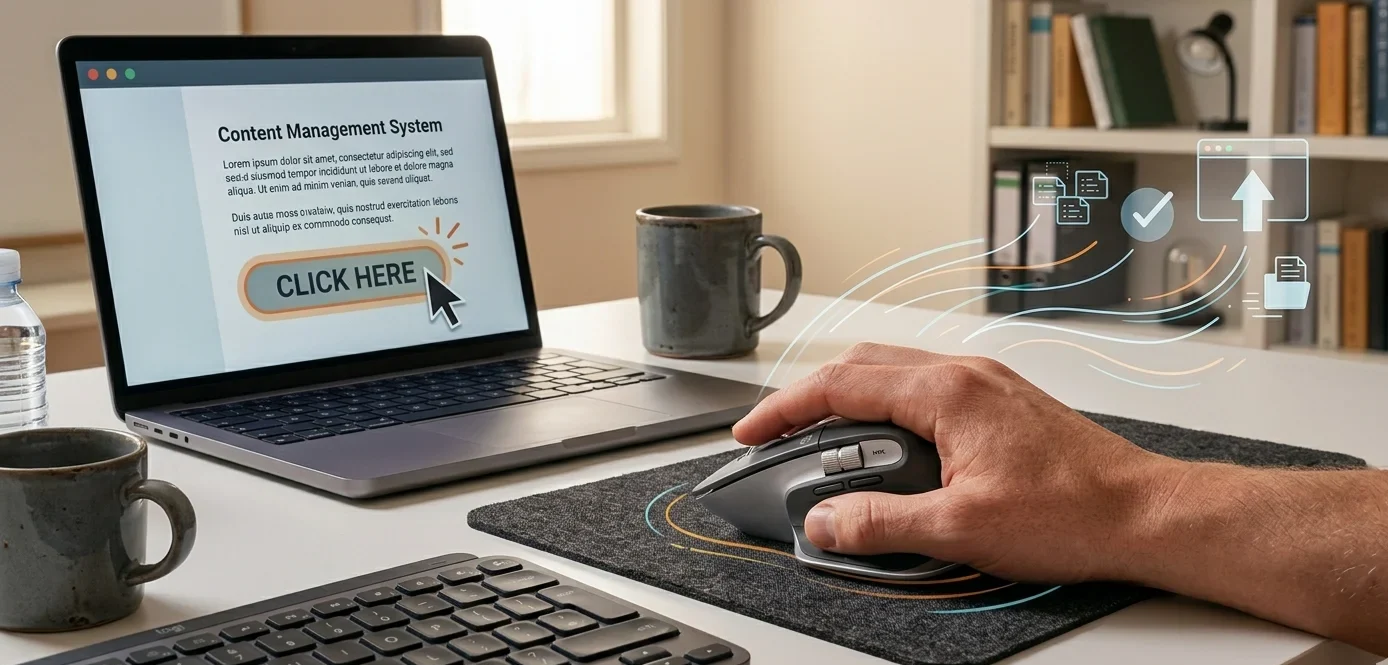
It is one of the basic ways to give instructions to the computer. When we click on an icon, file, or button, the computer performs the task linked with it.
Types of Mouse Clicking
Mouse clicking has different types, and each type is used for a specific task on the computer. Understanding them helps us use a computer more effectively.
- Single Click: Pressing the left mouse button once quickly. It is used to select an item like a file, icon, or text.
- Double Click: Pressing the left mouse button two times quickly. It is used to open files, folders, and programs.
- Right Click: Pressing the right mouse button once. It opens a menu with extra options like copy, paste, or delete.
- Drag and Drop Click: Holding the left mouse button and moving the mouse. It is used to move files, folders, or select text.
How Clicking Works
Clicking works when we press a mouse button and the computer instantly understands our action. Inside the mouse, there are small switches called buttons that detect the press. When we click, the mouse sends a signal to the computer through a cable or wireless connection.
The computer then processes that signal and performs the action, such as opening a file, selecting text, or running a program. This whole process happens in just a fraction of a second, making computer use fast and easy.
Common Mistakes Students Make
Many students use the mouse and cursor daily, but they often make small mistakes that can affect their learning and speed. Here are some common ones:
- Double-clicking too slowly or too fast, which doesn’t open files properly.
- Clicking randomly on the screen without understanding what will happen.
- Dragging items by mistake instead of just selecting them.
- Not noticing where the cursor is before typing, which leads to wrong text position.
- Using right-click menu without knowing the options.
Final Words
Clicking is one of the most basic and important actions when using a computer. It helps us open files, select items, and give quick instructions to the system. By understanding different types of clicking and avoiding common mistakes, students can use a mouse more accurately and efficiently.
With regular practice, clicking becomes easy and natural, making computer work faster and smoother.


- Be Respectful
- Stay Relevant
- Stay Positive
- True Feedback
- Encourage Discussion
- Avoid Spamming
- No Fake News
- Don't Copy-Paste
- No Personal Attacks
- Be Respectful
- Stay Relevant
- Stay Positive
- True Feedback
- Encourage Discussion
- Avoid Spamming
- No Fake News
- Don't Copy-Paste
- No Personal Attacks
