What is Scrolling & Role of Mouse in Scrolling?
Published: 27 Apr 2026
Scrolling is the action of moving the content on a computer or mobile screen up, down, left, or right so we can see information that is not visible on the screen at once.
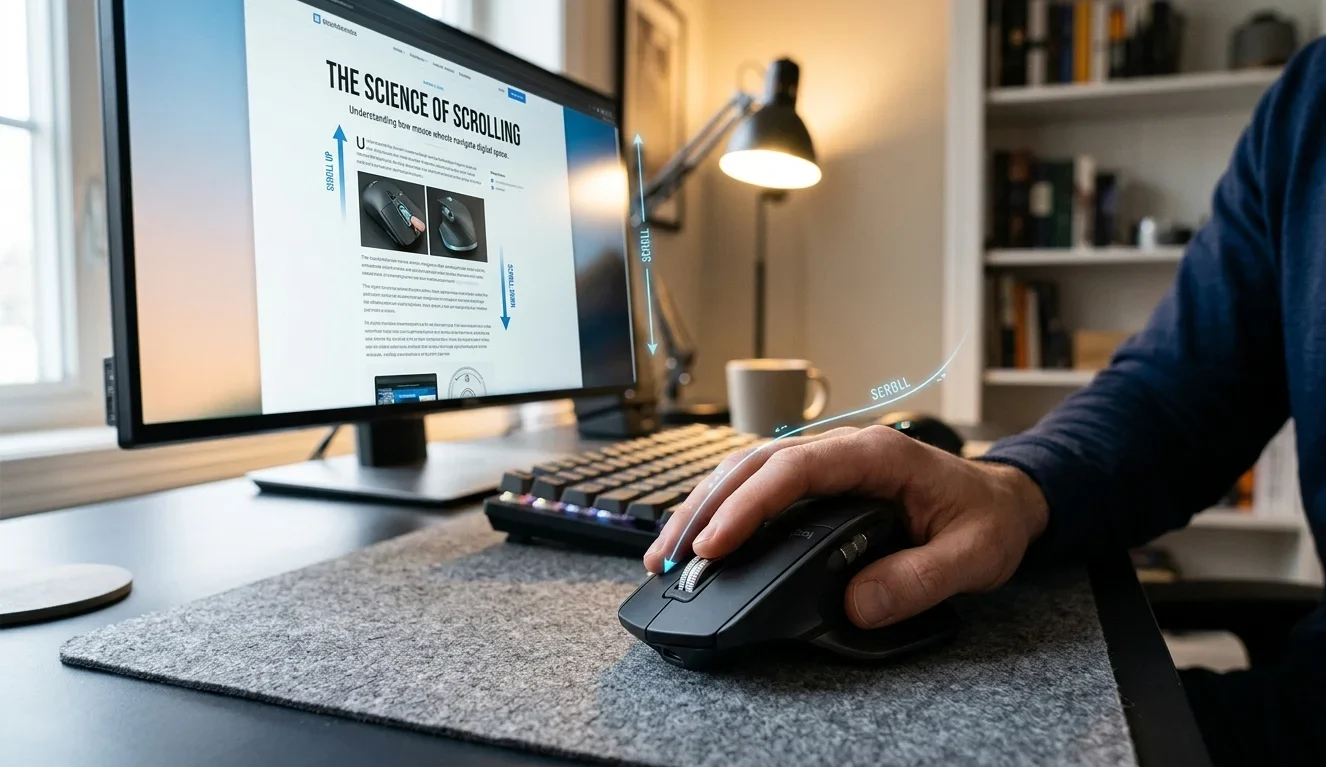
When we scroll, the screen stays in place, but the text, pictures, or webpages move. In this article we will see what are uses of scrolling, types and common mistakes students make.
Where Do We Use Scrolling?
Some common places where scrolling is used are:
- Web Browsing: When reading websites or searching information online, we scroll to see the full page.
- Social Media Apps: Apps like Facebook, Instagram, and YouTube use scrolling to show new posts, videos, and comments.
- Reading Documents: While studying notes, PDFs, or Word files, scrolling helps us move through pages easily.
- Chat Applications: In WhatsApp or Messenger, we scroll to read old or new messages.
- Games and Menus: Many games and software menus use scrolling to select options or view settings.
Scrolling makes it easy to explore large amounts of information without opening many different pages.
Types of Scrolling
Scrolling can happen in different ways depending on how the content moves on the screen. The main types of scrolling are:
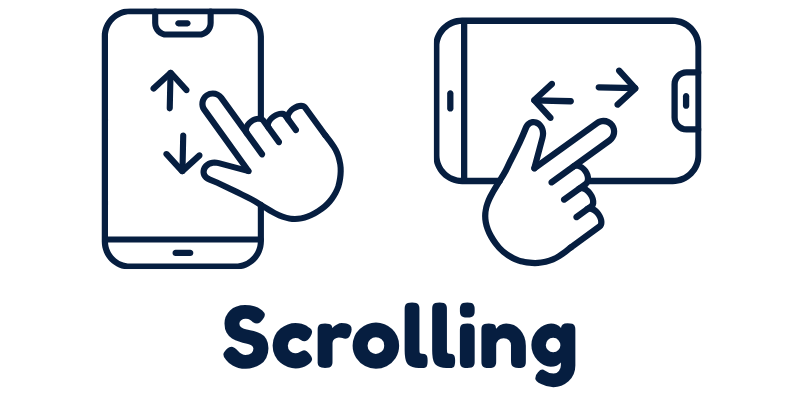
- Vertical scrolling moves the screen up and down. This is the most common type of scrolling used when reading websites, documents, or social media posts.
- Horizontal scrolling moves the screen left and right. It is often used for large images, tables, timelines, or wide webpages.
- Smooth scrolling, the content moves slowly and smoothly instead of jumping suddenly. It gives a comfortable reading experience and looks more modern.
- Infinite scrolling automatically loads new content continuously as you scroll down. Many social media apps use this type so users can keep viewing posts without clicking the next page.
Common Mistakes Students Make
Students often use scrolling every day, but sometimes they make small mistakes while using it:
- Scrolling too fast and missing important information.
- Scrolling in the wrong direction, especially on touchpads.
- Not using the scroll bar properly on long webpages.
- Keeping the mouse wheel pressed too hard, causing unwanted movement.
- Forgetting that more content exists below the screen.
Final Words
Scrolling is a simple but very important action, By understanding how scrolling works and using it correctly, students can read content easily and avoid missing important information.
If you still have any confusion or questions about scrolling, feel free to ask in comments – learning technology becomes easier when we learn together.



- Be Respectful
- Stay Relevant
- Stay Positive
- True Feedback
- Encourage Discussion
- Avoid Spamming
- No Fake News
- Don't Copy-Paste
- No Personal Attacks
- Be Respectful
- Stay Relevant
- Stay Positive
- True Feedback
- Encourage Discussion
- Avoid Spamming
- No Fake News
- Don't Copy-Paste
- No Personal Attacks
