LCD Backlight: How It Works, Types, Pros, Cons & Prevention Tips
Published: 24 Oct 2026
An LCD backlight is a lighting system used in LCD screens to make images, text, and videos visible. It is needed because LCD pixels do not produce their own light. Instead, the backlight uses LEDs or older CCFL lamps to provide illumination. A diffuser spreads it evenly across the screen.
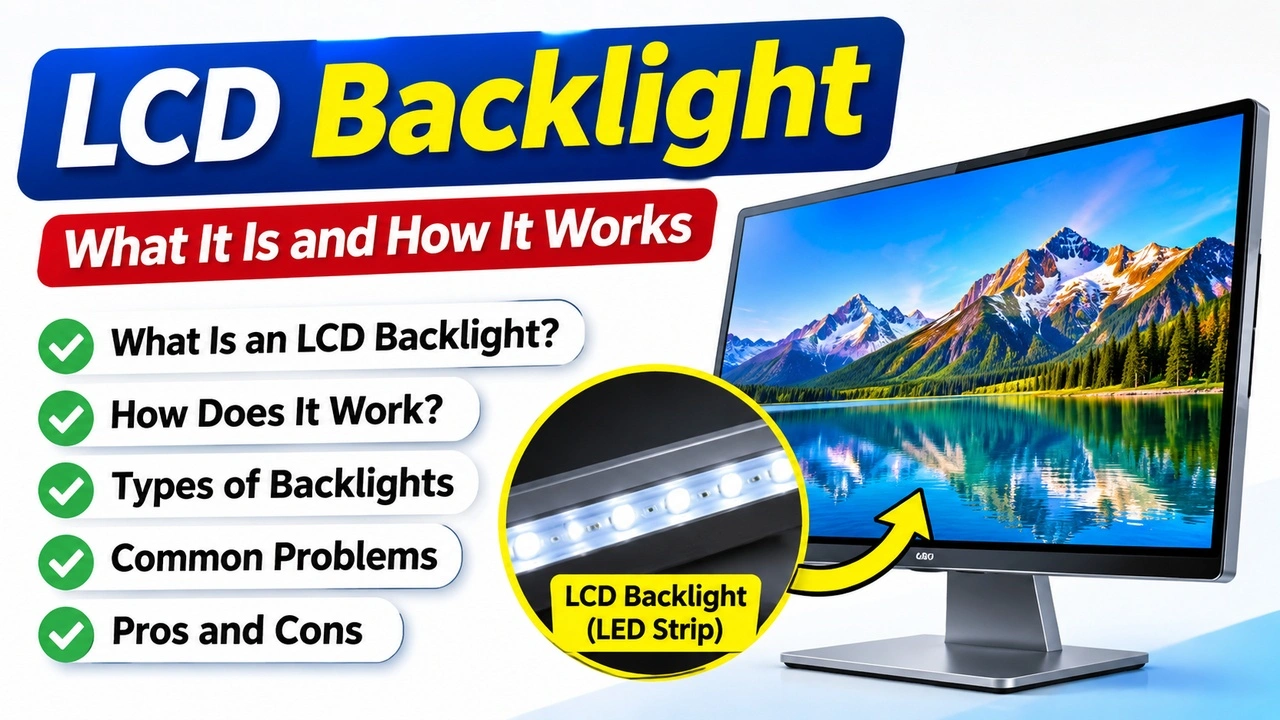
This light passes through layers inside the display, while liquid crystals control how much light passes through each pixel. Color filters then help produce the colors you see on the screen.
Without a working backlight, an LCD screen will become black, even when it is still producing an image. This process allows the screen to display text, pictures, and videos with different brightness levels and colors.
Types of LCD Backlights
1. LED Backlight
LED backlights use light-emitting diodes to illuminate LCD screens. They consume less power than older CCFL systems and are widely used in modern laptops, monitors, and televisions.
2. CCFL Backlight
CCFL (Cold Cathode Fluorescent Lamp) backlights use small fluorescent tubes to produce light. They were common in older LCD monitors and laptops but have largely been replaced by LED technology.
3. Edge-Lit LED Backlight
In edge-lit displays, LEDs are placed along the edges of the screen. A light guide panel spreads the light across the display. This design allows manufacturers to build thinner and lighter monitors and televisions.
4. Direct-Lit LED Backlight
Direct-lit displays place LEDs behind the LCD panel. This arrangement can provide more uniform lighting than some edge-lit designs, depending on the number and placement of LEDs.
5. Full-Array LED Backlight
Full-array backlights use a grid of LEDs across the area behind the screen. Some models support local dimming, which adjusts the brightness of different zones to improve contrast between bright and dark areas.
LCD Backlight vs. OLED Display
| LCD Backlight | OLED Display |
|---|---|
| Uses a backlight to illuminate the screen. | Each pixel produces its own light. |
| Cannot produce true black because the backlight stays on. | Produces true black by turning off individual pixels. |
| Usually costs less. | Usually costs more. |
| Often consumes more power when displaying dark content. | Can use less power when displaying dark content. |
| Backlight failure can cause a dark or dim screen. | Individual pixels may burn out or suffer burn-in. |
| Common in LCD monitors, laptops, and TVs. | Common in premium smartphones, monitors, and TVs. |
Advantages & Disadvantages of LCD Backlights
| Good Sides of LCD Backlights |
|---|
|
| Bad Sides of LCD Backlights |
|---|
|
How to Prevent LCD Backlight Problems
- Keep your laptop or monitor well-ventilated to prevent heat buildup.
- Set the screen brightness to a comfortable level instead of keeping it at maximum all the time.
- Choose a compatible adapter that meets the manufacturer’s power requirements.
- Avoid dropping, pressing, or hitting the display, as physical damage can affect internal components.
- Clean dust from ventilation areas to help maintain proper airflow.
- Avoid pulling, twisting, or bending display and power cables excessively.
- Enable automatic screen-off settings when the display is not in use to reduce unnecessary operating time.
Remember: These steps can help protect your display, but no maintenance routine can prevent every backlight failure.
Conclusion
An LCD backlight is an essential part of an LCD display because it provides the light needed to make images visible. Understanding its types can help you identify potential display problems early.
If your screen becomes dim or shows a faint image, check the brightness settings and cables before considering hardware repairs. If the problem continues, consult a qualified technician to determine whether the backlight, LCD panel, or another component needs repair or replacement.


- Be Respectful
- Stay Relevant
- Stay Positive
- True Feedback
- Encourage Discussion
- Avoid Spamming
- No Fake News
- Don't Copy-Paste
- No Personal Attacks
- Be Respectful
- Stay Relevant
- Stay Positive
- True Feedback
- Encourage Discussion
- Avoid Spamming
- No Fake News
- Don't Copy-Paste
- No Personal Attacks
