What are Output Devices of Computer? Complete Guide for Beginners with Types, Examples, and Uses
Published: 27 Aug 2026
Have you ever think about how a computer shows you the result of your work? You type something, play a video, print a document, or listen to music – but how does the computer give that information back to you?
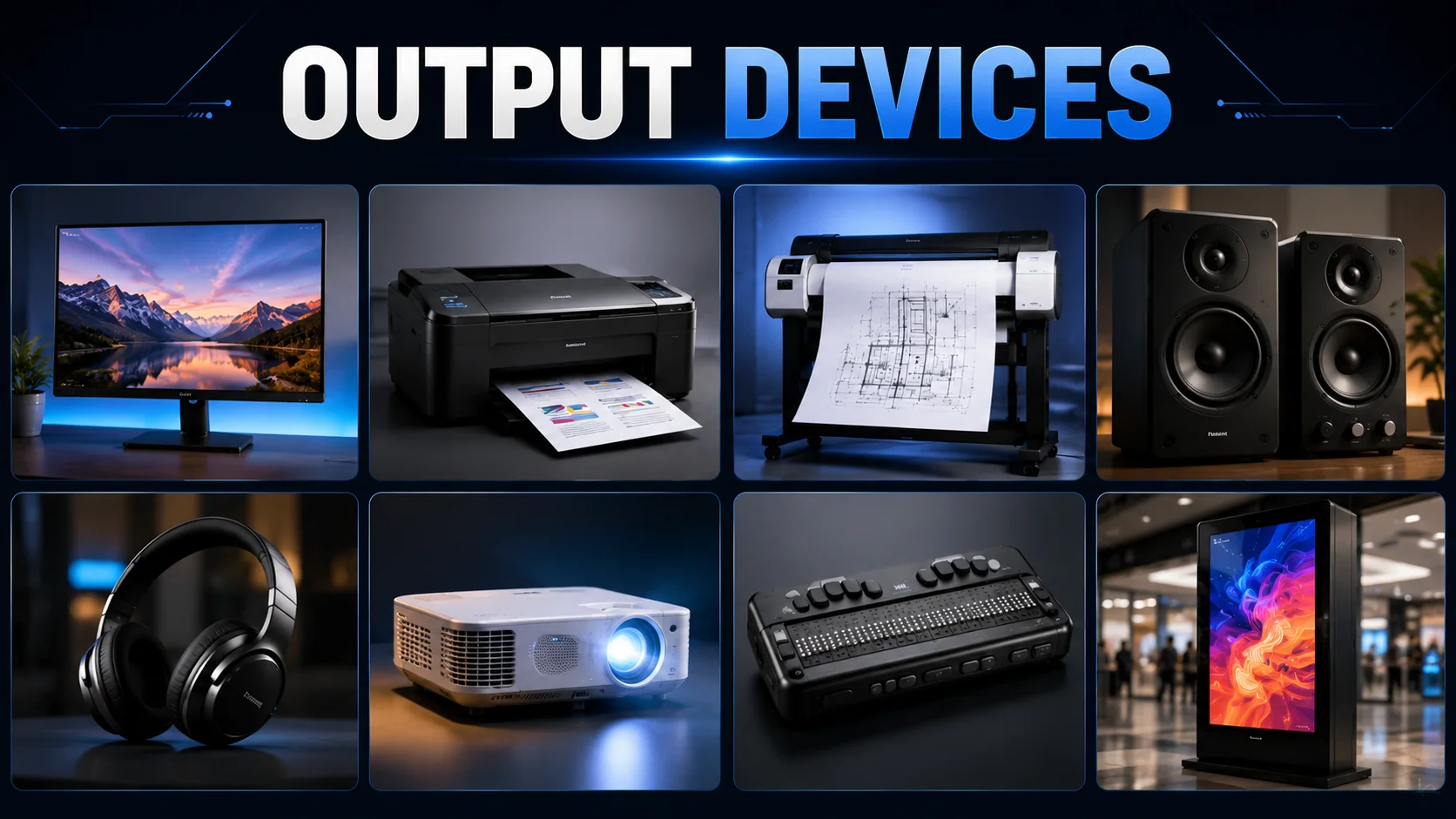
This is where output devices come in. In this article, we’ll explore the most common output devices of computer with examples and learn what each one does.
Output Devices of Computer Definition
“Output devices are the parts of a computer that take information from the computer and show it to you in a form you can understand”.
Basically, they “output” the results of what the computer has done. So, whenever your computer does something, and you can see, hear, or touch the result, that’s an output device doing its job.
How Output Devices Work
- Computer Processes Data: The cpu processes the data and prepares the required result.
- Result Is Sent: The processed information is sent to the appropriate output device.
- Device Converts the Data: The output device converts the computer’s digital data into a usable form.
- Output Is Presented: The result appears as text or images, comes out as a printed page, or is produced as sound.
- User Receives the Result: We see, hear, or otherwise understand the final output.
Types of Output Devices
Output devices can be grouped into different types based on how they present information to the user. Some devices show information on a screen, while others print it on paper or produce sound.
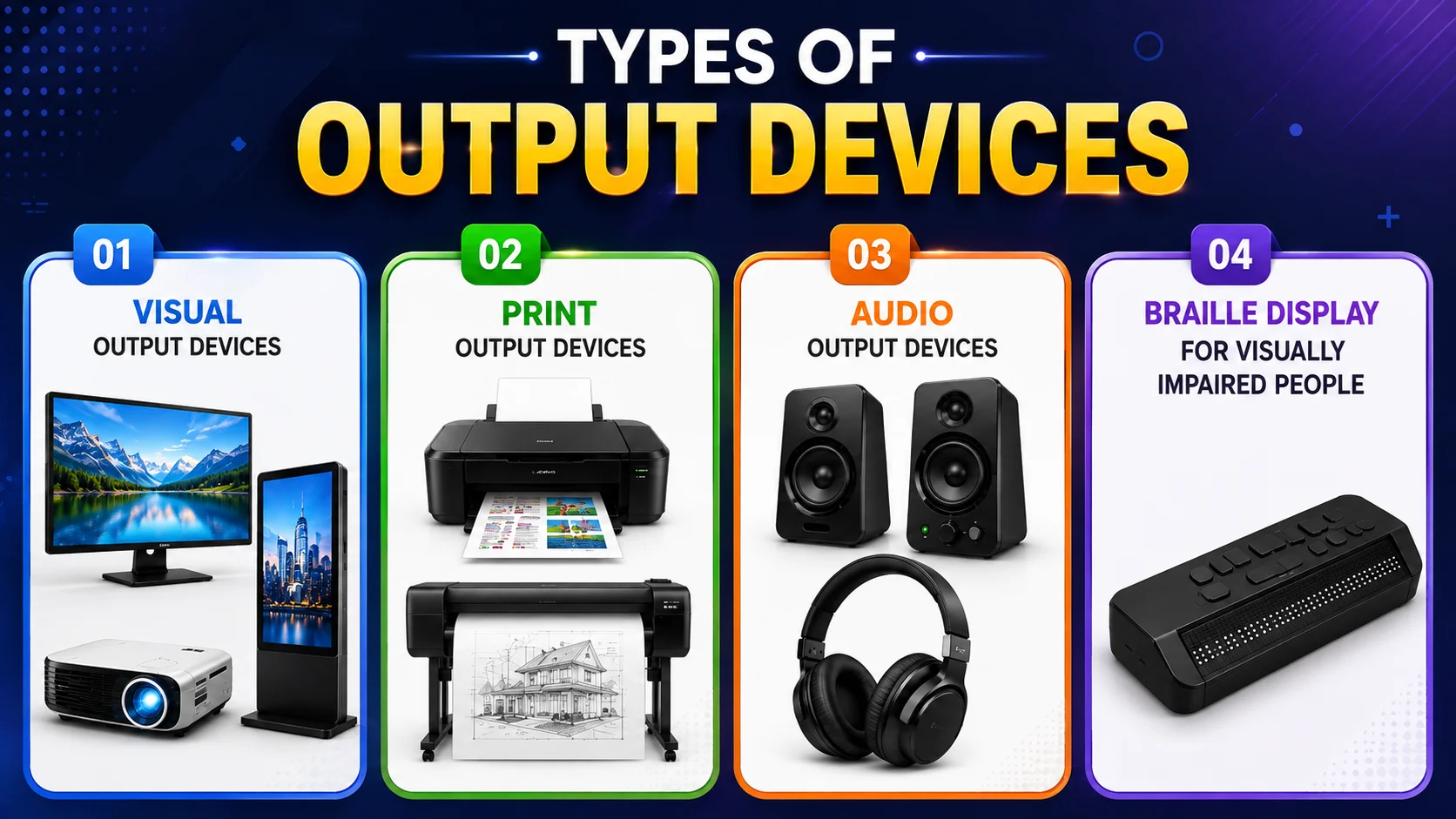
There are also special output devices designed to make computer information accessible to people with visual disabilities. In this section, we will cover:
- Visual Output Devices
- Print Output Devices
- Audio Output Devices
- Braille Display For Visually Impaired People
1. Visual Output Devices
Visual output devices present computer information in a form that we can see. They display text, images, videos, graphics, and other visual content on a screen. Monitors, projectors, and digital signage displays are common examples of visual output devices.
Monitor
A monitor is an output device that shows images, videos, text, and everything happening on the computer. It lets you see your work, play games, watch movies, or browse the internet.
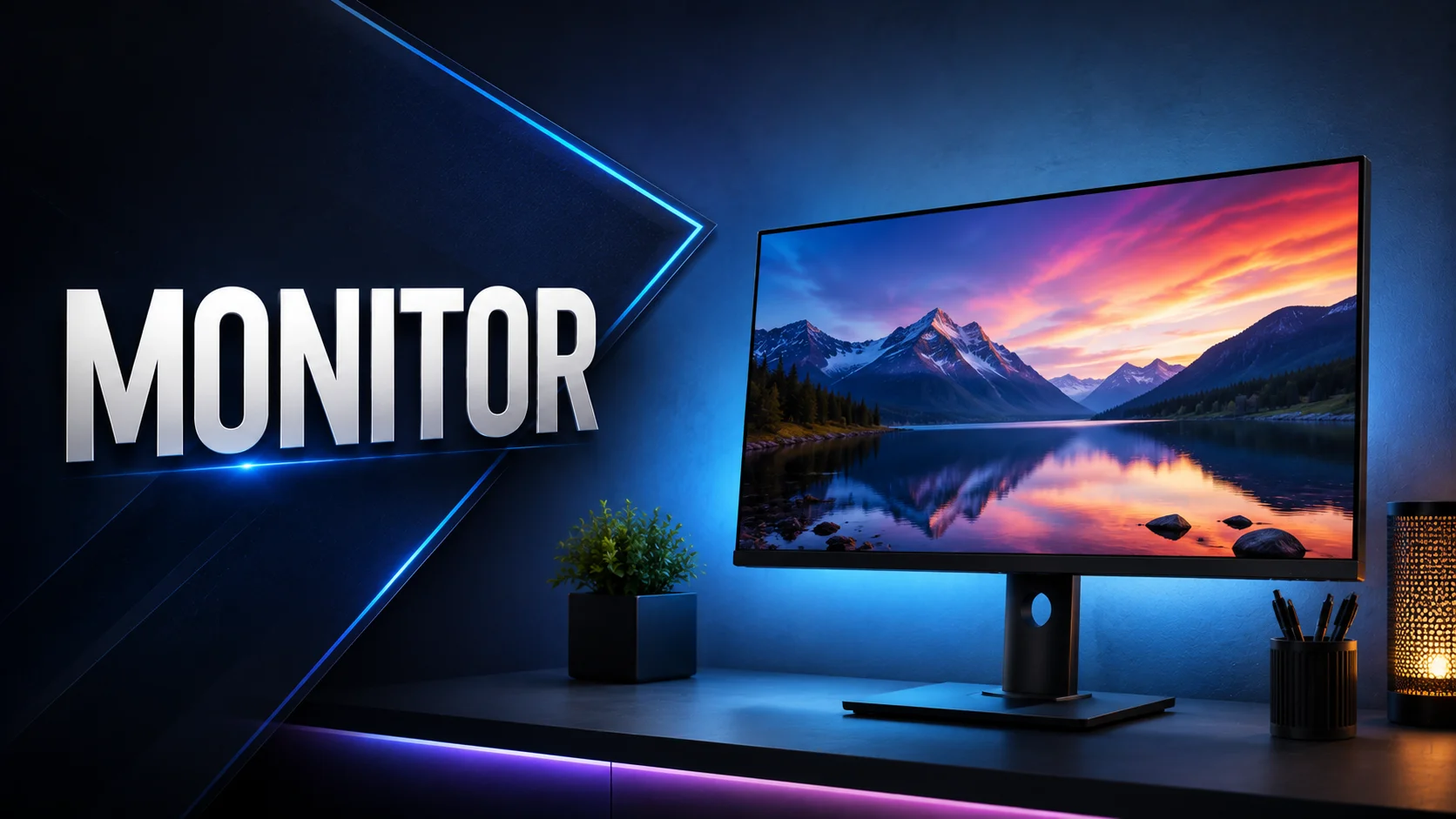
Modern monitors use LED or LCD technology to display clear and bright visuals. Some have high resolutions for sharper images, while others are designed for fast gaming or professional graphics work. Basically, it’s the screen where all the action of your computer comes alive.
Projector
A projector is an output device that displays images, videos, or presentations from a computer onto a large screen or wall. It takes the digital content and projects it so that many people can see it at once.
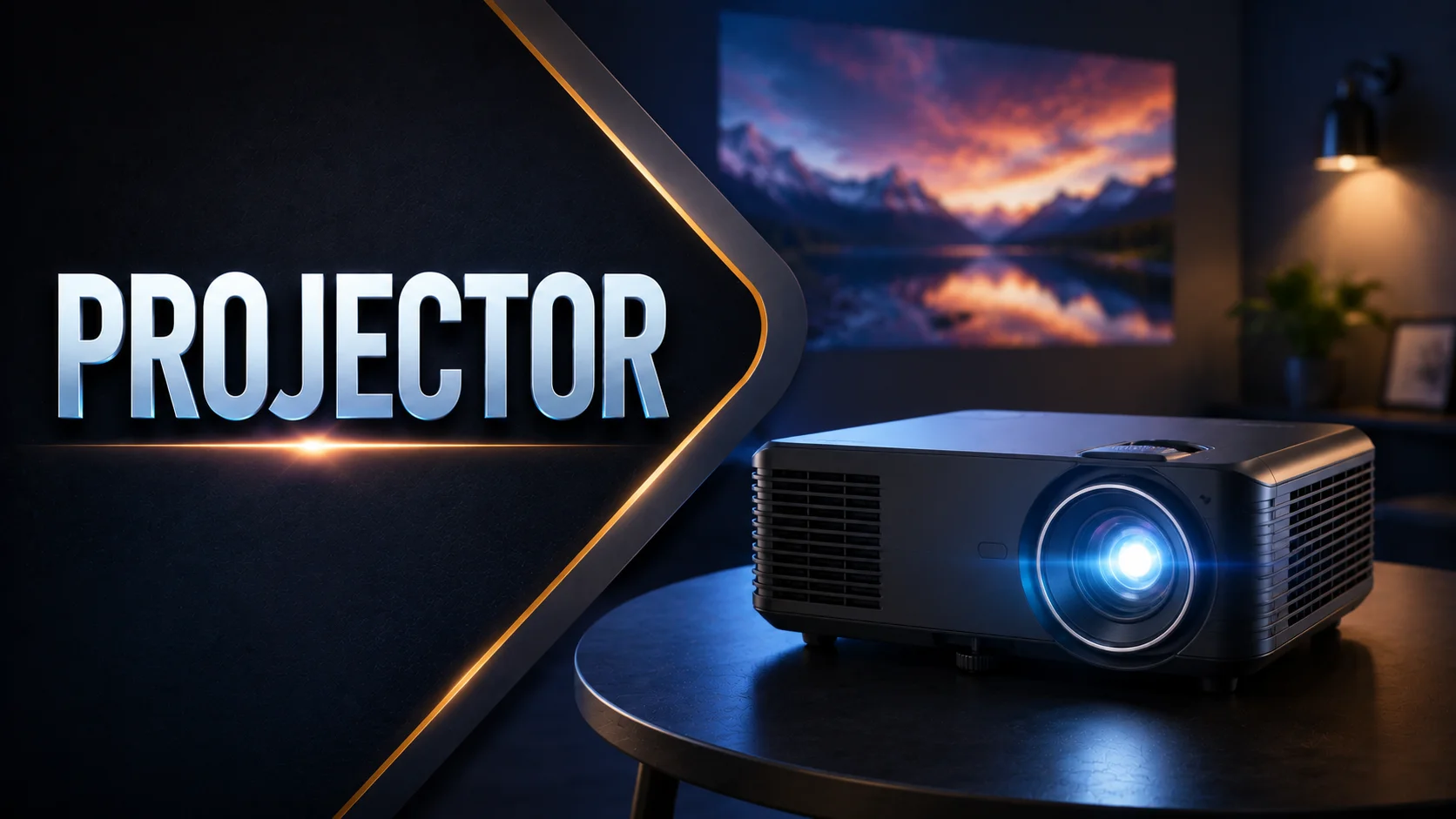
Projectors are commonly used in classrooms, offices, and home theaters. They make it easy to share visuals with a big audience, and modern ones can show high-quality, bright, and clear images.
Digital Signage Displays
Digital signage displays are output devices that show information, advertisements, or announcements from a computer on large screens. You see them in shopping malls, airports, or bus stations.

They can display text, images, videos, or live updates. These displays are bright, easy to read, and can be updated instantly, making them perfect for sharing information with many people at once.
2. Print Output Devices
Print output devices produce a physical copy of digital information on paper or other materials. They are useful when you need to keep, share, or use a document outside the computer. Printers and plotters are common examples.
Printer
A printer is an output device that produces a physical copy of documents, images, or anything on your computer. When you send a file to print, the printer transfers it onto paper.
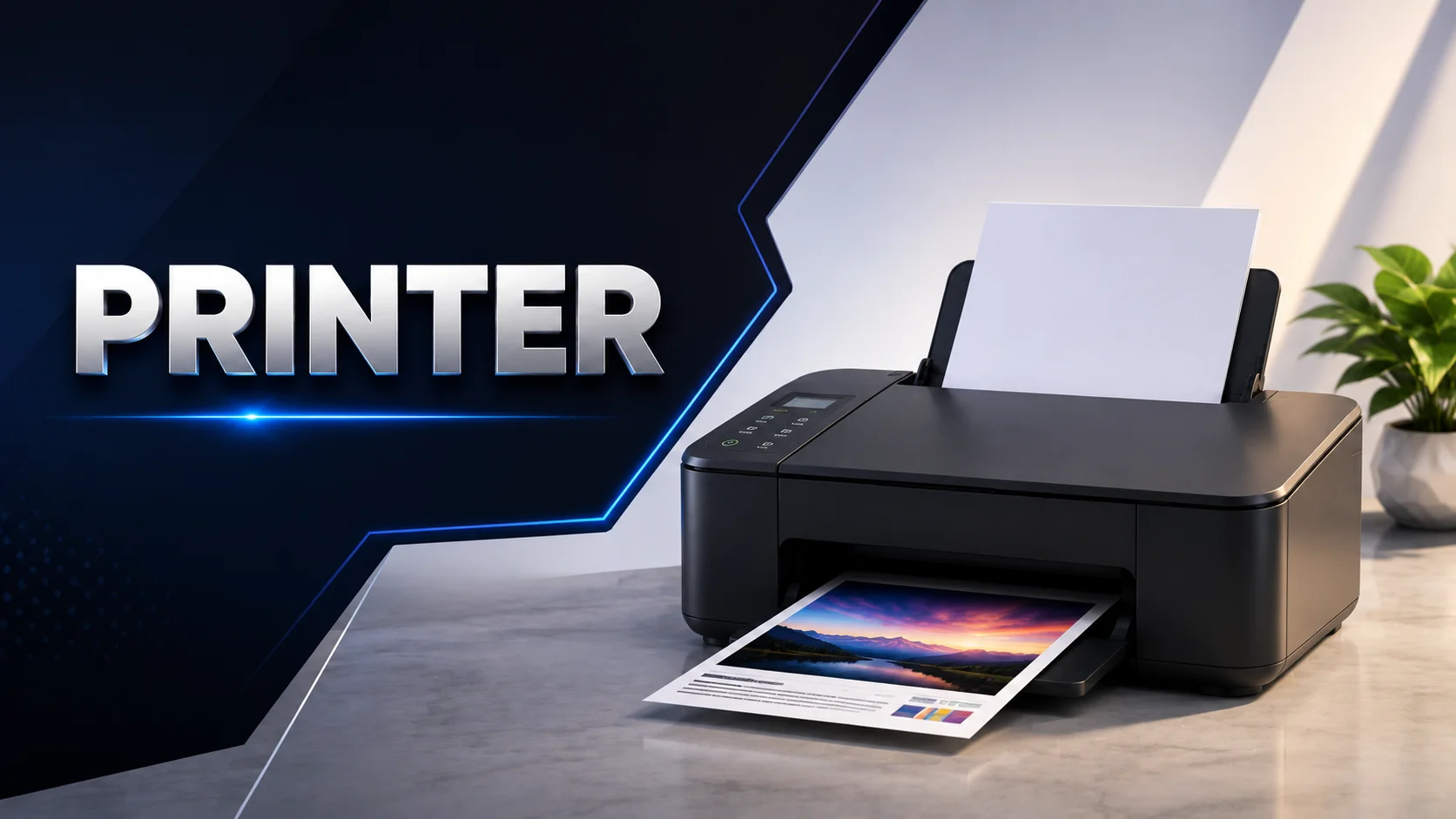
There are different types, like inkjet printers for detailed color prints and laser printers for fast, sharp text. Printers are useful for school, office, or homework whenever you need a hard copy of digital content.
Plotter
A plotter is an output device that produces large, precise drawings on paper. It is mainly used for technical drawings, maps, engineering designs, architectural plans, and other graphics that require high accuracy.
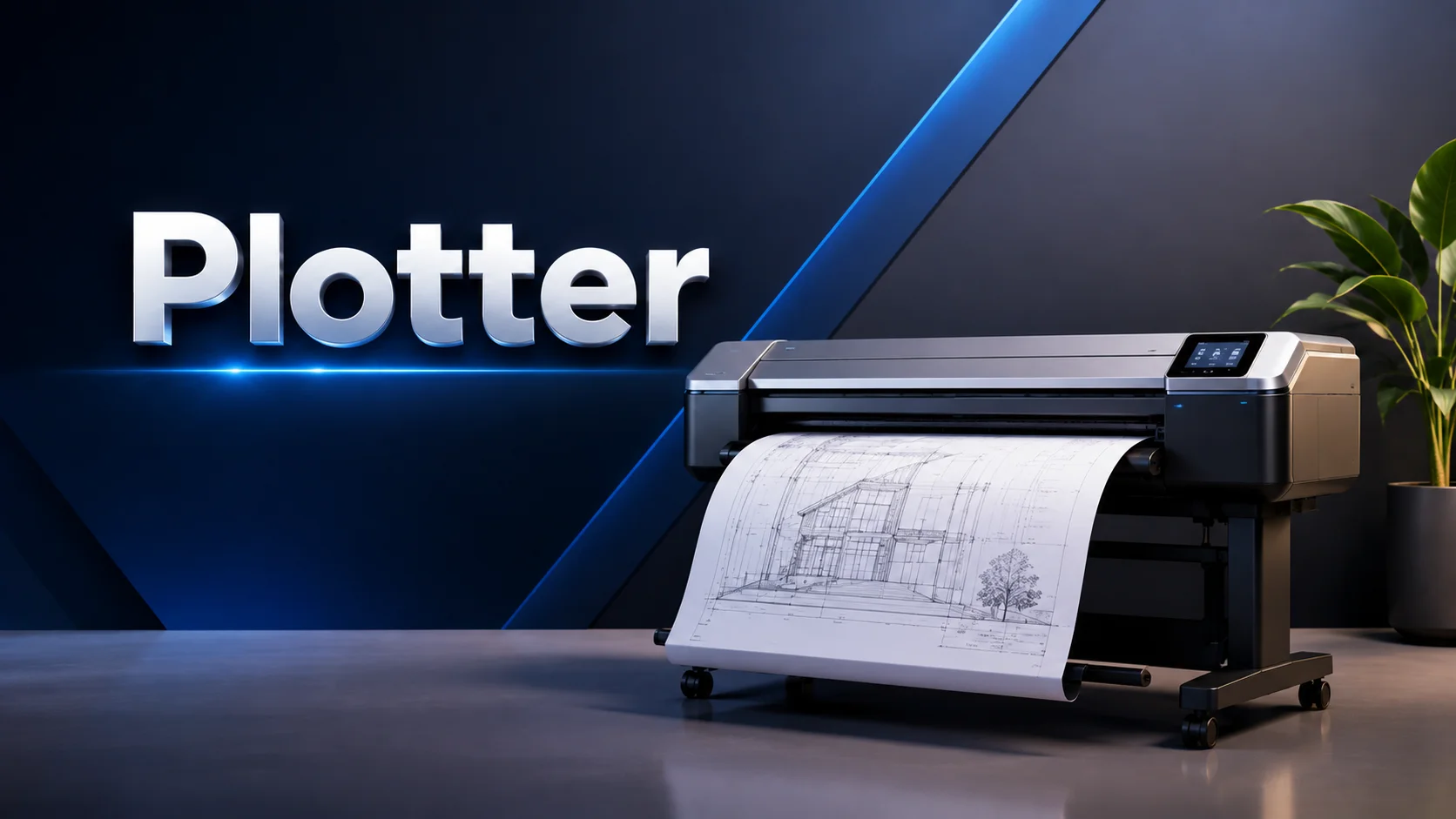
Unlike a regular printer, a plotter can create detailed lines and shapes over large paper sizes. Modern plotters may use pens, cutting tools, or inkjet technology depending on the task.
3. Audio Output Devices
Audio output devices convert computer data into sound that we can hear. They are used to play music, videos, voice messages, alerts, and other sounds. Speakers and headphones are common examples of audio output devices.
Speaker
A speaker is an output device that produces sound from your computer. It lets you listen to audio, watch videos, play games, or hear alerts and notifications. Modern speakers can deliver clear, loud, and high-quality sound.
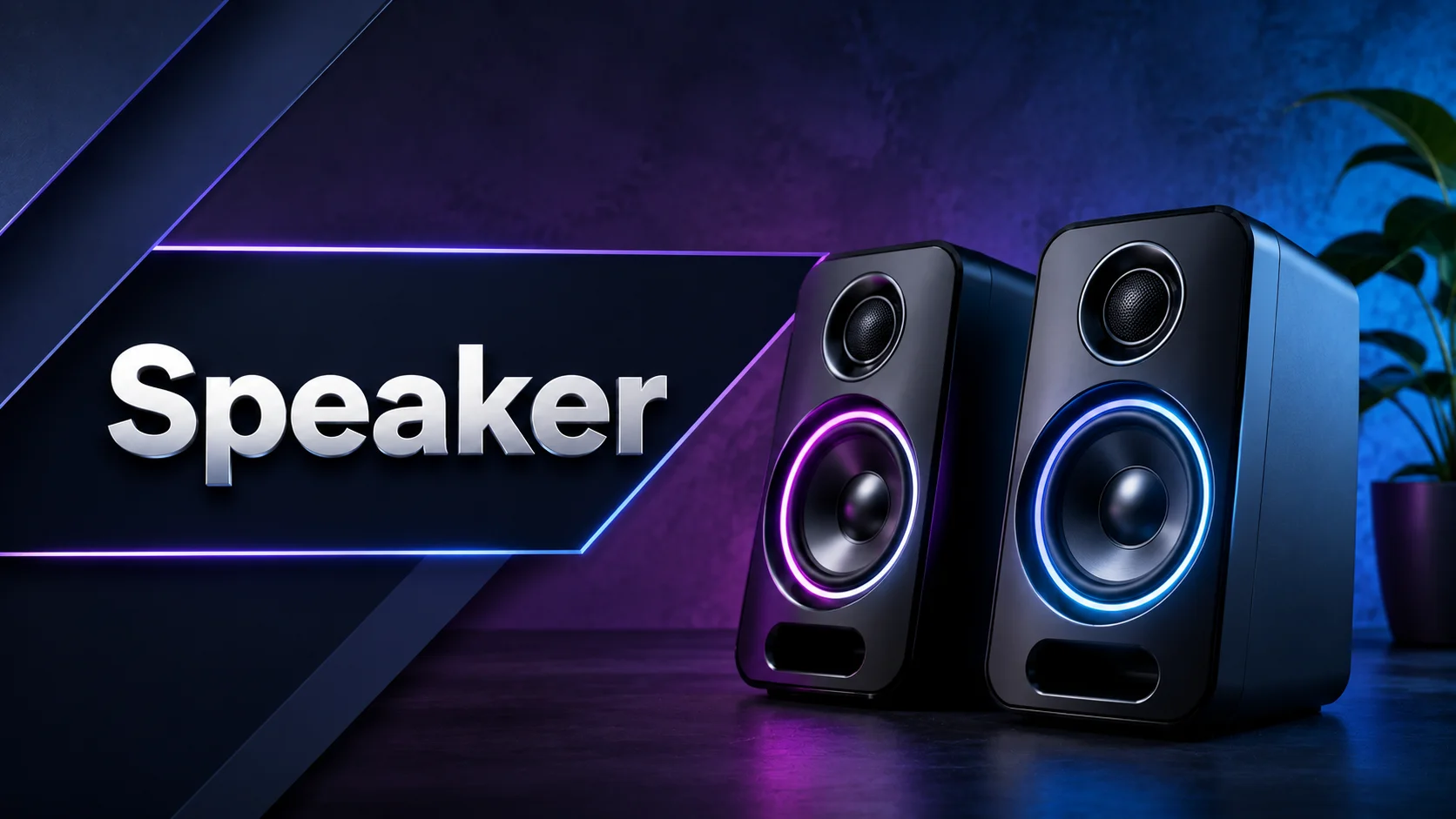
Some are built into laptops, while others are separate for better audio. They turn digital signals into sound waves so you can hear everything happening on your device.
HeadPhones
Headphones are audio output devices that let users hear sound directly through speakers placed over or around their ears. They are commonly used for listening to music, watching videos, playing games, and attending online meetings without disturbing people nearby.

Some headphones include built-in microphones for voice calls and communication. They are available in wired and wireless models, with features such as noise cancellation for reducing unwanted background sounds.
4. Braille Display For Visually Impaired People
A Braille display is an output device that helps visually impaired people read what’s on the computer. It converts text into Braille characters by raising and lowering small pins on a surface.
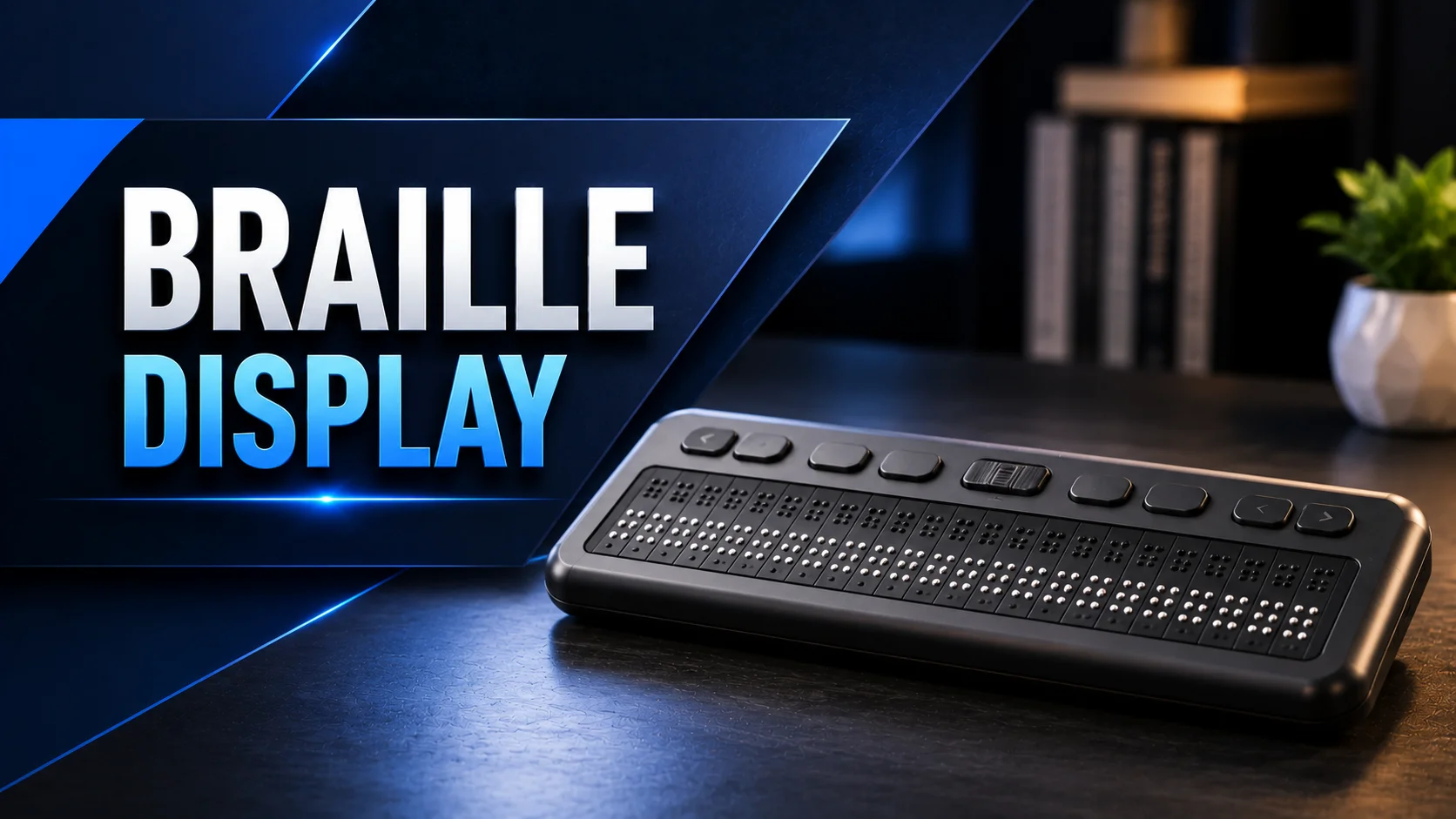
As you move through the text, the pins change to show new characters. This way, users can read documents, emails, or messages by touch, making computers accessible to everyone.
Final Words
In this article, we learned about output devices definition and examples, including monitors, printers, plotters, speakers, headphones, projectors, and Braille displays.
We hope you now understand what output devices are and how they help a computer communicate its results to you. If you still have any questions or want to know more about output devices, feel free to ask in the comments below!
Frequently Asked Questions (FAQ’s)
The output devices function is to show or provide the results processed by a computer. They present information through text, images, sound, or printed documents.
Some common output devices of computer names are:
- Monitor,
- Projector,
- Signage displays,
- Printer,
- Plotter,
- Speakers,
- Headphones,
- Braille display.
Common output devices for laptop include the built-in screen and speakers. You can also connect external devices such as a monitor, printer, headphones, projector, or speakers.
For output devices for primary 3, the easiest examples to learn are monitor, printer, speakers, headphones, and projector. These devices help students understand how a computer shows or produces information.
The output devices simple definition is: Output devices are computer devices that show or give us the information processed by a computer in a form that people can see, hear, or read. For example, a monitor shows pictures, while speakers produce sound.
You can find output devices images with names in the article above. We have covered the main output devices with clear images and their names, making them easy to identify and understand.
Some useful output devices for disabled users include Braille displays, screen readers with speakers or headphones, and other accessible display devices. These tools help people with different disabilities access computer information more easily.

What are Input Devices of a Computer? Complete Guide for Beginners with Types, Examples, and Uses

- Be Respectful
- Stay Relevant
- Stay Positive
- True Feedback
- Encourage Discussion
- Avoid Spamming
- No Fake News
- Don't Copy-Paste
- No Personal Attacks
- Be Respectful
- Stay Relevant
- Stay Positive
- True Feedback
- Encourage Discussion
- Avoid Spamming
- No Fake News
- Don't Copy-Paste
- No Personal Attacks
