10 Functions of Computer We Notice In Daily Life
Published: 20 Sep 2026
The functions of a computer are the main tasks it performs to receive, process, store, and provide information. These functions work together to turn the data you provide into useful results. Understanding the functionality of a computer can also help you understand how its different components work together.
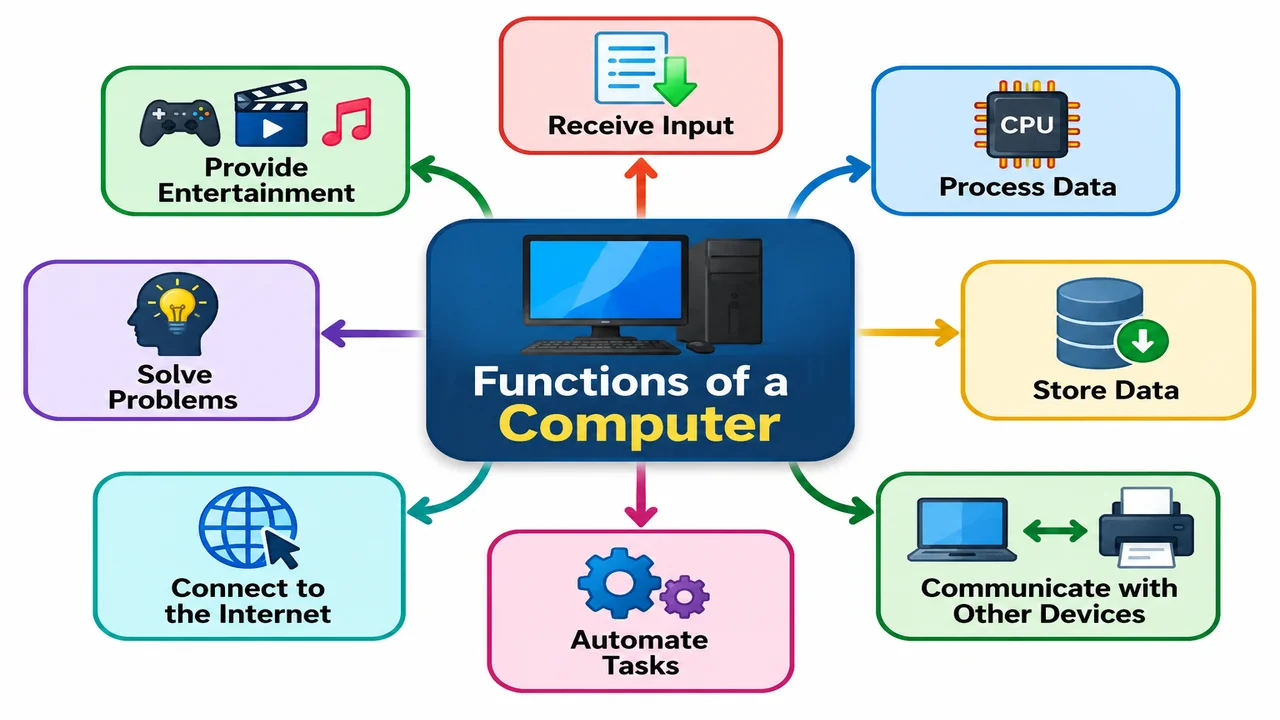
In this article, we will explain the basic functions of a computer in simple words. You will learn how a computer takes input, processes and stores data, produces output, controls operations, communicates with other devices, connects to the internet, automates tasks, solves problems, and provides entertainment.
Basic Functions of Computer
Every computer performs some basic functions to handle data and provide useful results. In this section, we will look at the four basic functions of a computer: Input, Processing, Storage, and Output, and understand what each function does.
1. Input Data
Input data is the process of entering data and instructions into a computer so it can work on them. A computer receives input through devices such as a keyboard, mouse, touchscreen, microphone, scanner, and camera.
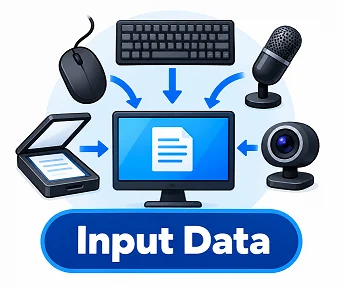
When you type a name, click a button, scan a document, or speak into a microphone, the computer receives those signals as input. It then sends the input to the appropriate components for processing and turns it into useful information or a result.
2. Process Data
Processing data is the function where a computer works on the data it receives and turns it into useful information. The CPU (central processing unit) performs most of this work by carrying out calculations, comparisons, and logical operations according to the given instructions.
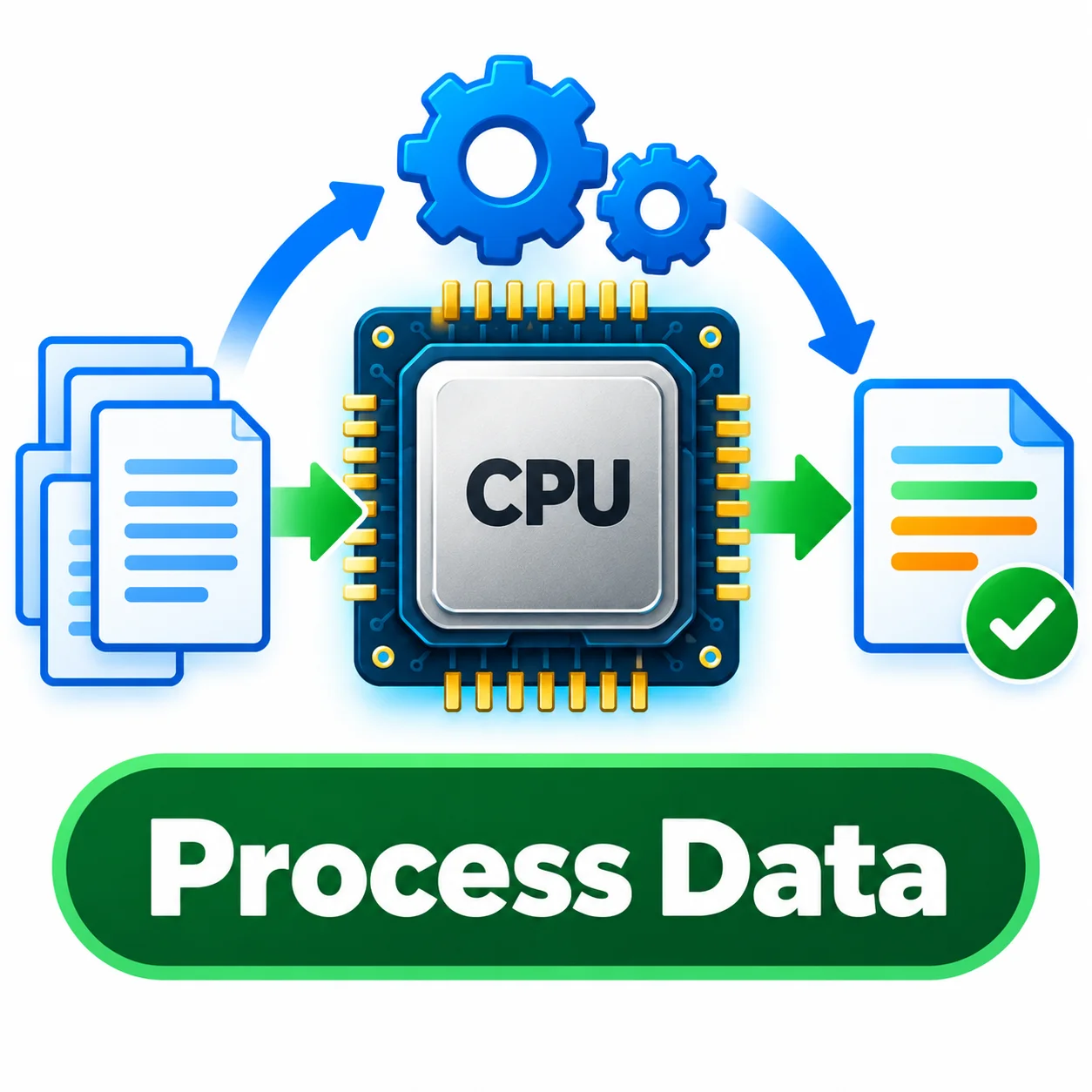
For example, when you enter two numbers and ask the computer to add them, the CPU processes the numbers and calculates the result. This function allows a computer to perform tasks, solve problems, run programs, and produce accurate results quickly.
3. Store Data
Storing data is the function that allows a computer to save data, files, programs, and information for future use. A computer can store data temporarily in RAM while a task is running or permanently on storage devices such as an SSD, hard drive, or USB drive.
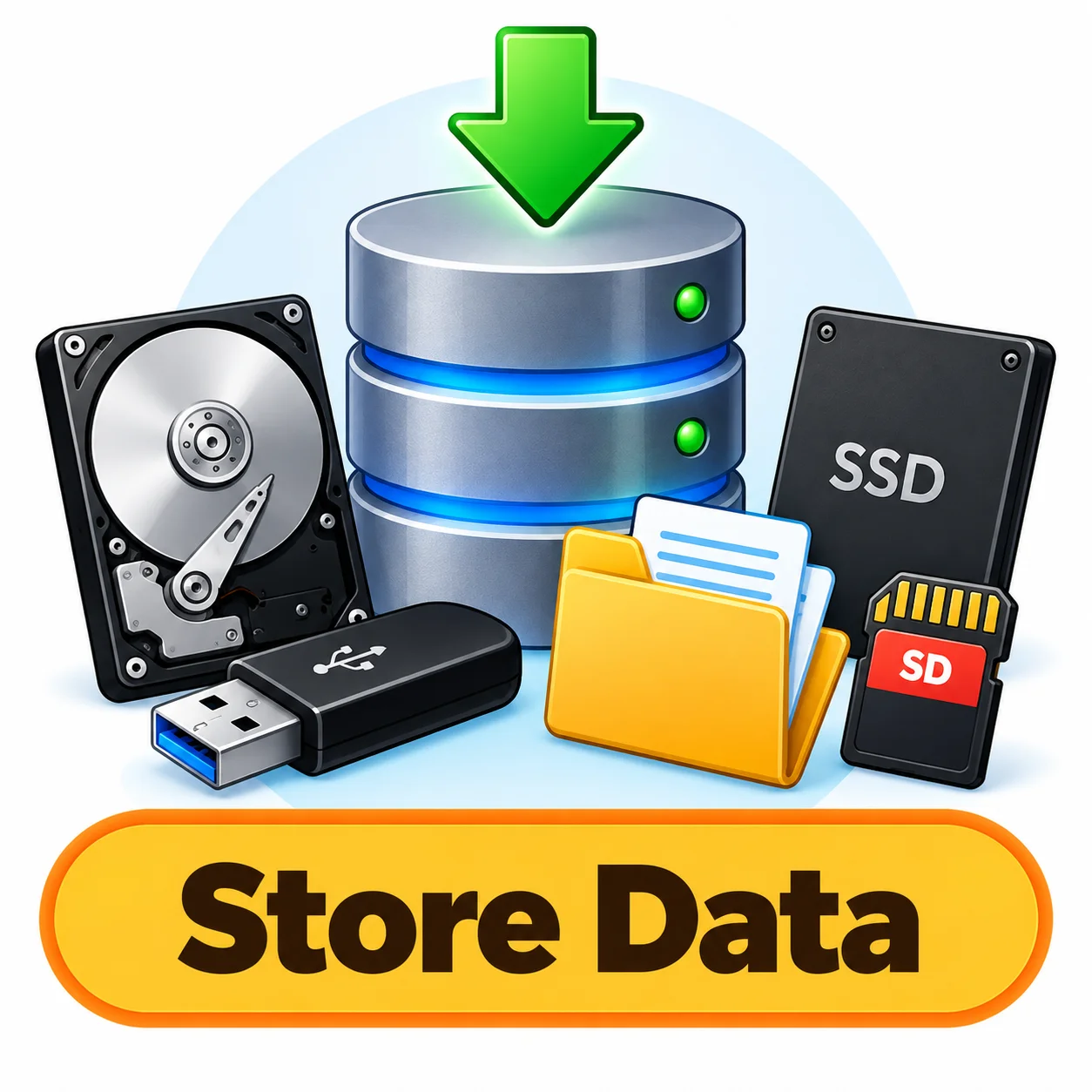
For example, when you save a document, the computer writes the data to a storage device so you can open it again later. This function helps users keep their important files safe and access them whenever they are needed.
4. Output Information
Output information is the function through which a computer presents processed data in a form that users can understand and use. After processing the input, the computer sends the results to output devices such as a monitor, printer, speakers, or projector.
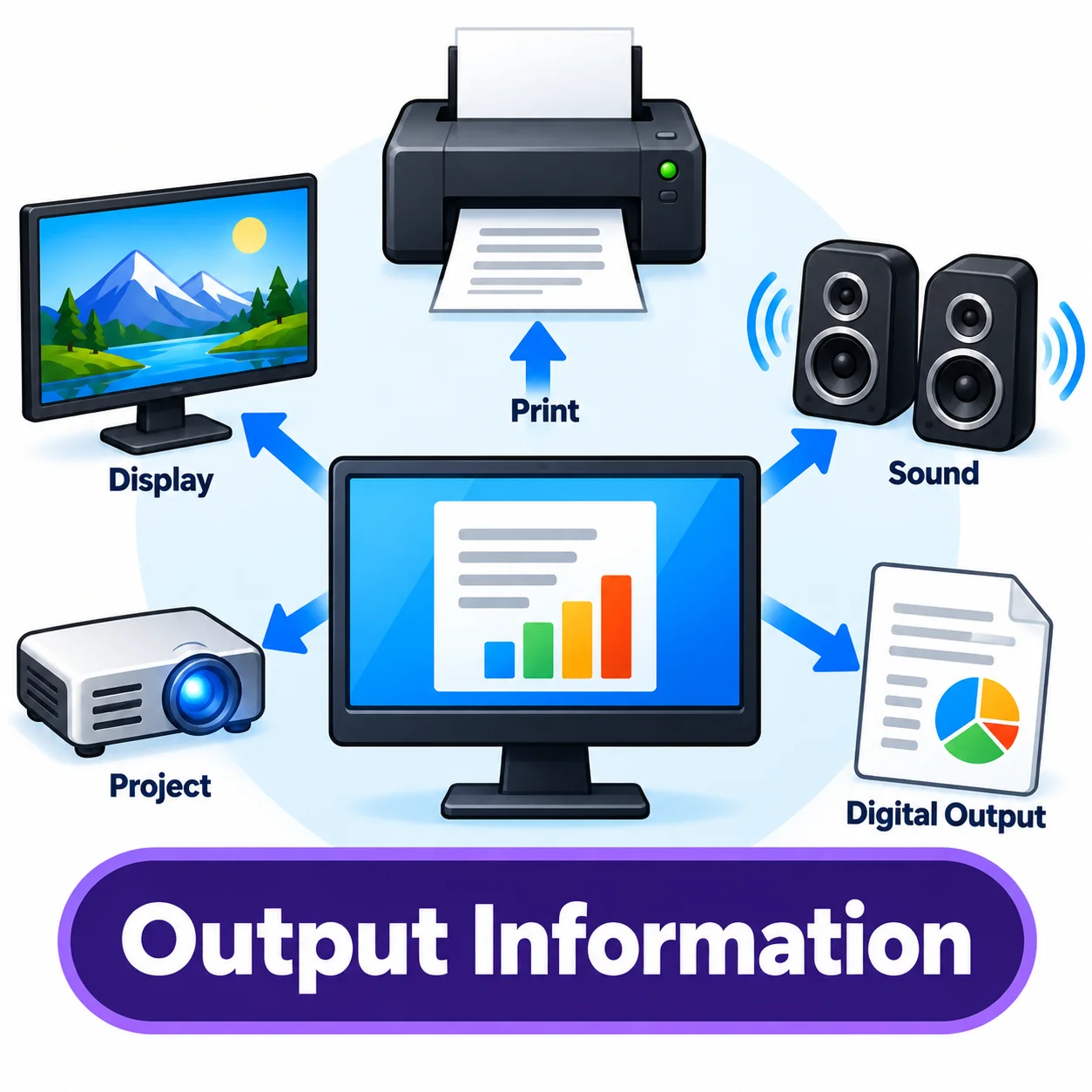
For example, when you type a document, the text appears on the screen, or when you print it, the printer produces a physical copy. This function helps users see, hear, or receive the final results of the computer’s work.
Other Functions of Computer
1. Control Operations
Control operations are the functions that help a computer manage and coordinate its different activities. The Control Unit (CU) of the CPU directs other components by telling them what to do and when to do it. It makes sure instructions are fetched, understood, and carried out in the correct order.
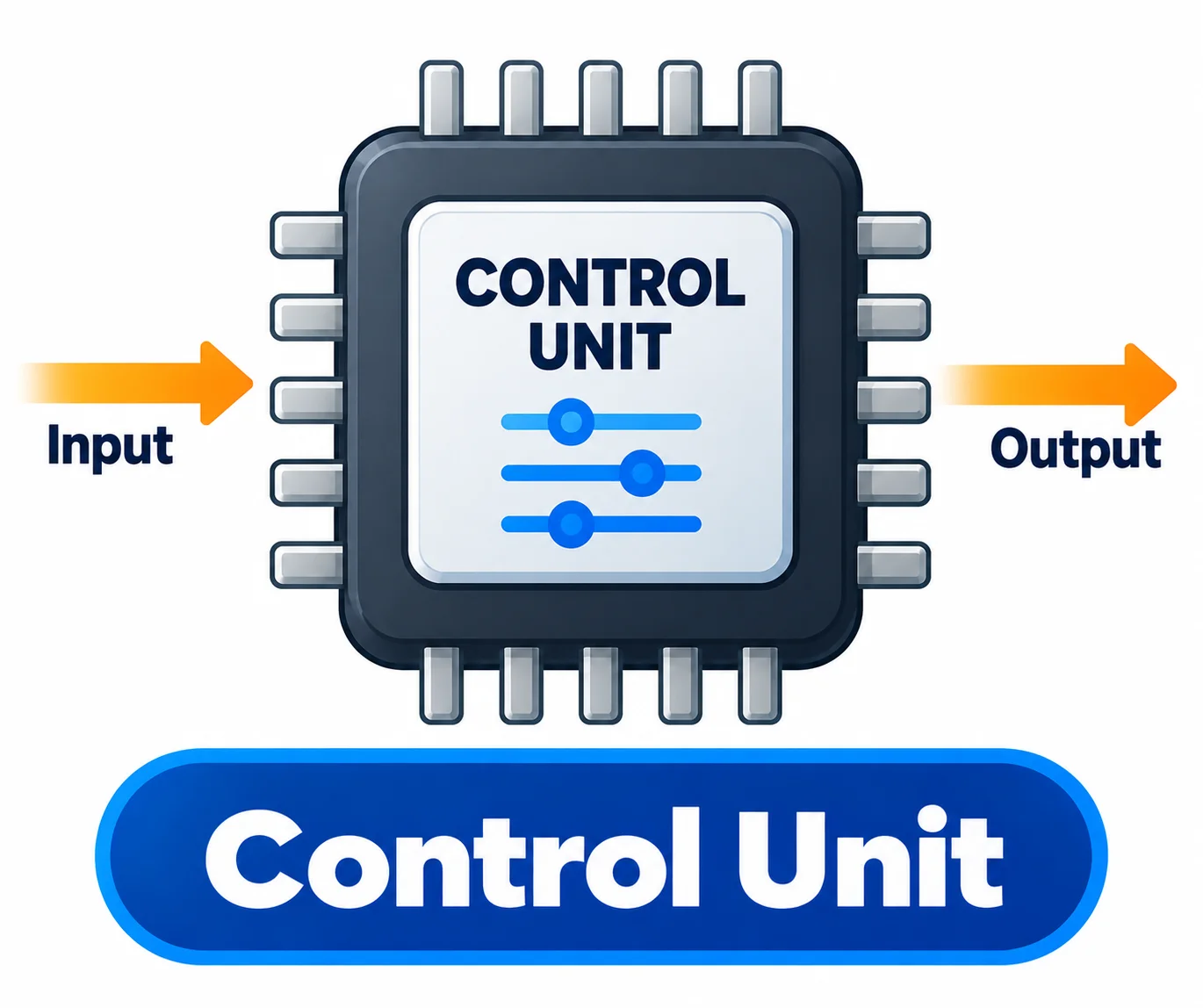
For example, when you open a program, the control unit coordinates the CPU, memory, and other components so the program can run properly.
6. Communicate with Other Devices
Communicating with other devices allows a computer to send and receive data from other computers, phones, printers, and network devices. This communication can happen through Wi-Fi, Bluetooth, Ethernet cables, USB, or other connection methods.
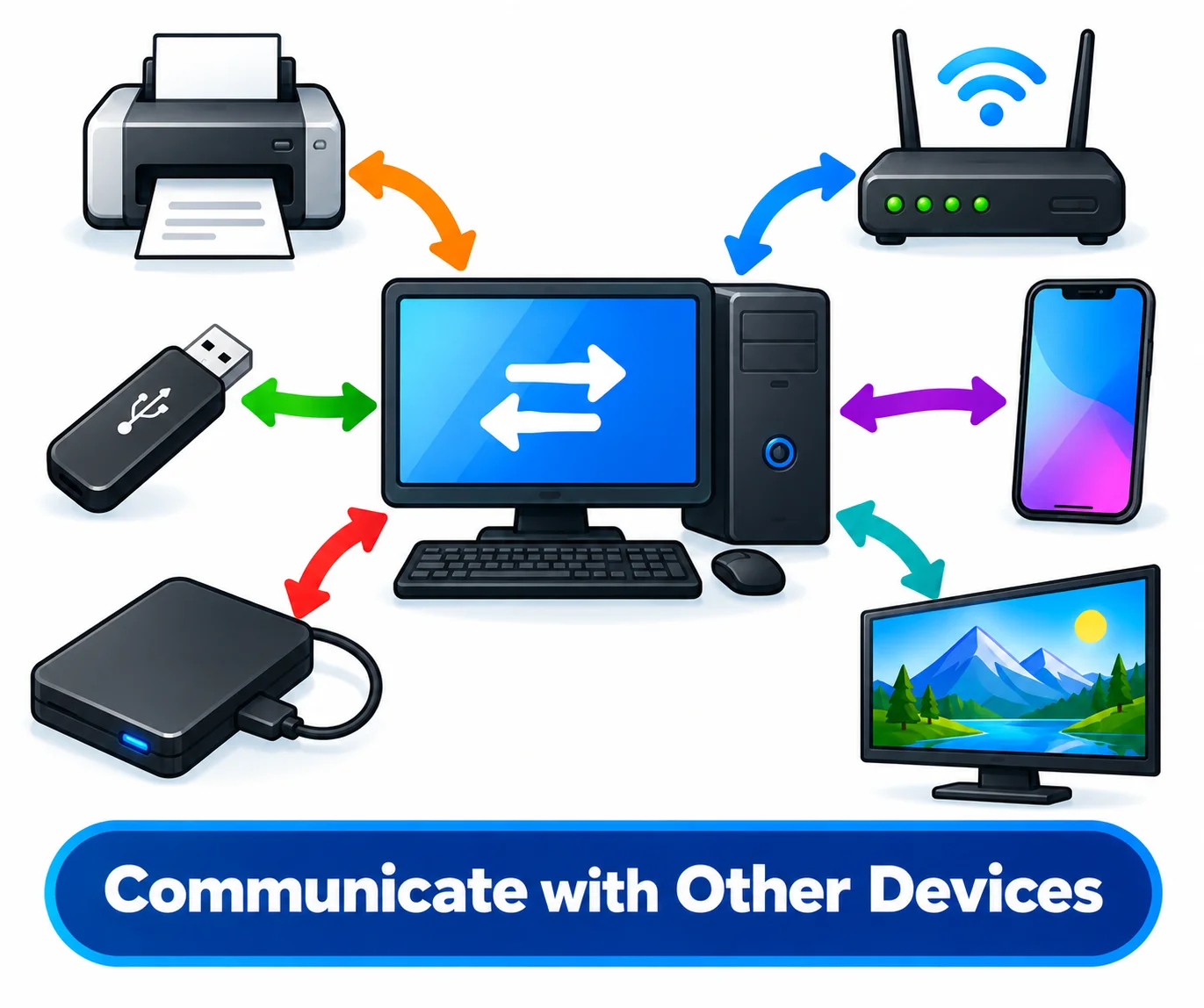
For example, a computer can send a document to a wireless printer or transfer photos to a smartphone. This function makes it possible for devices to share data, resources, and information with each other.
7. Automate Tasks
Automating tasks means using a computer to perform repetitive or routine work with little or no human effort. A computer can follow programmed instructions to complete tasks such as calculating data, sending scheduled emails, creating reports, backing up files, or processing large amounts of information.
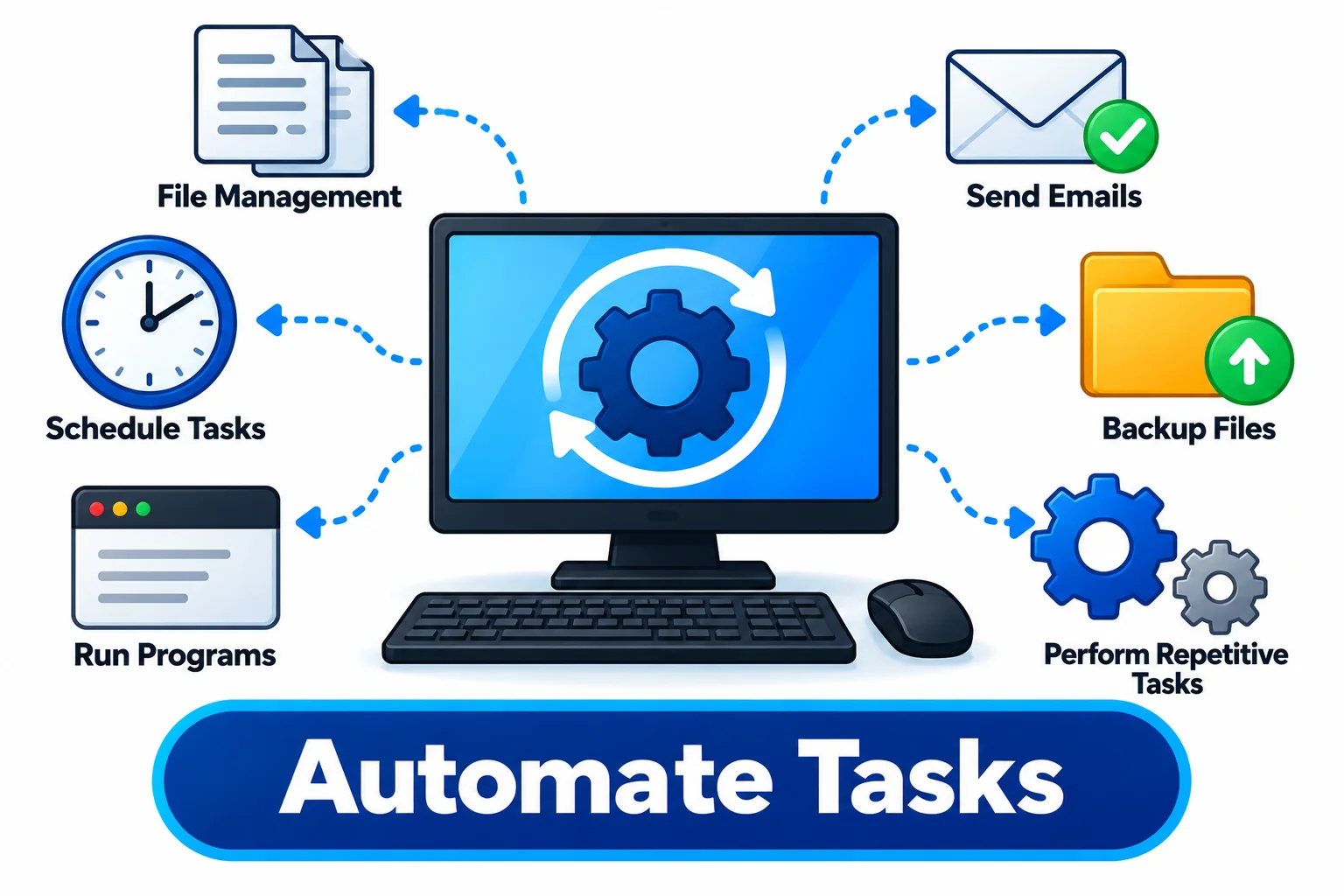
Once the task is set up, the computer can perform it automatically and consistently. This saves time, reduces repetitive manual work, and helps people complete tasks more efficiently.
8. Solve Problems
Solving problems is an important function of a computer that allows it to use data, calculations, and logical instructions to find solutions. Computers can process large amounts of information quickly and perform complex calculations that may take humans much longer.
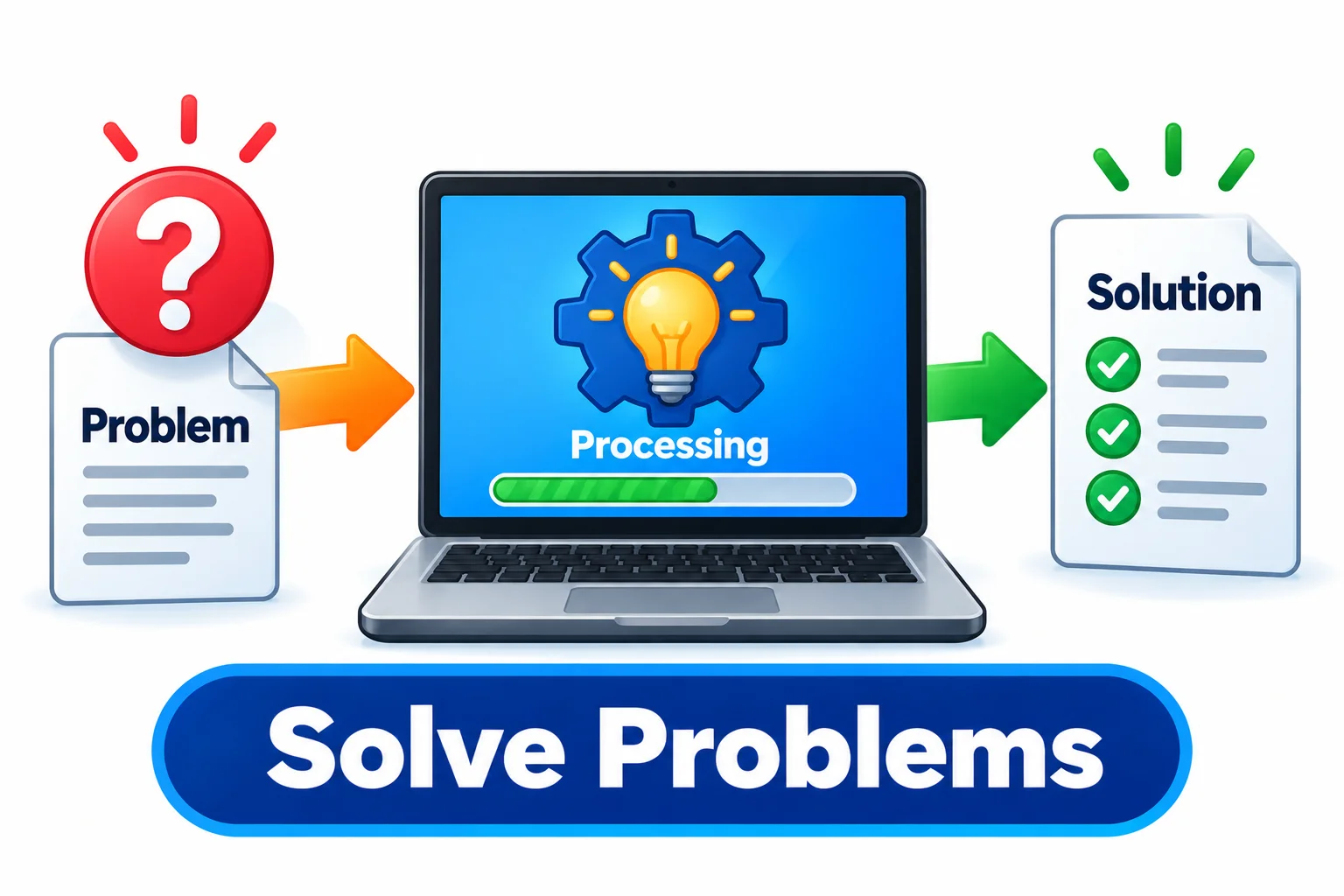
For example, a computer can calculate a budget, analyze data, solve mathematical equations, or find patterns in information. This function helps people make accurate calculations, analyze information, and complete difficult tasks more efficiently.
9. Connect to the Internet
Connecting to the internet allows a computer to access websites, online services, cloud platforms, and information from around the world. A computer can connect through Wi-Fi, Ethernet, or a mobile network using a suitable network device or connection.
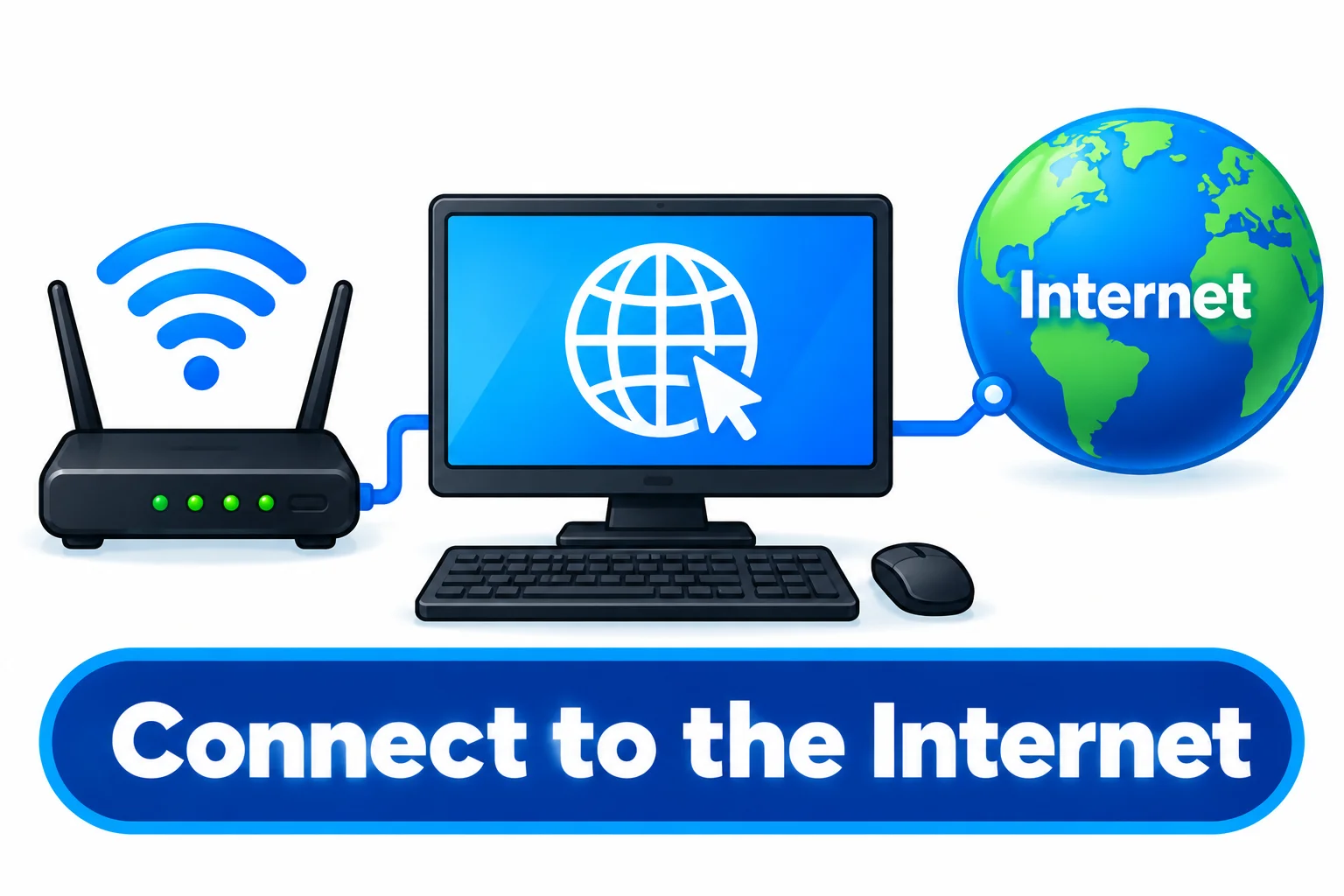
Once connected, users can browse websites, send emails, download files, watch videos, use online apps, and communicate with others. This function turns a computer into a tool for accessing and sharing information over the internet.
10. Provide Entertainment
Providing entertainment is another common use of computers, allowing users to enjoy different forms of digital content and activities. Computers can run video games, play music and movies, stream videos, and support creative activities such as photo and video editing.

They can also connect to online entertainment platforms and multiplayer games through the internet. This function makes computers useful not only for work and education but also for relaxation and recreation.
Final Words
The functions of the computer explain how it receives, processes, stores, and provides information to complete different tasks. From entering data and solving problems to connecting to the internet, communicating with devices, and providing entertainment, these computer functions are useful in many areas of daily life.
Understanding the functionalities of computer system also makes it easier to see how different components work together to turn input into useful results.

- Be Respectful
- Stay Relevant
- Stay Positive
- True Feedback
- Encourage Discussion
- Avoid Spamming
- No Fake News
- Don't Copy-Paste
- No Personal Attacks
- Be Respectful
- Stay Relevant
- Stay Positive
- True Feedback
- Encourage Discussion
- Avoid Spamming
- No Fake News
- Don't Copy-Paste
- No Personal Attacks
