10 IO Devices Examples You Use in Daily Life – Explained Simply
Published: 19 Sep 2026
You may have heard about input devices and output devices, but have you ever thought about Input/Output (I/O) devices? You use many of these devices in your daily life without even realizing it.
Input/Output Device Definition: “An Input/Output (I/O) device is a hardware device that can both receive data from a user or computer and send data back as output. In Simple words an I/O device takes input and gives output.”
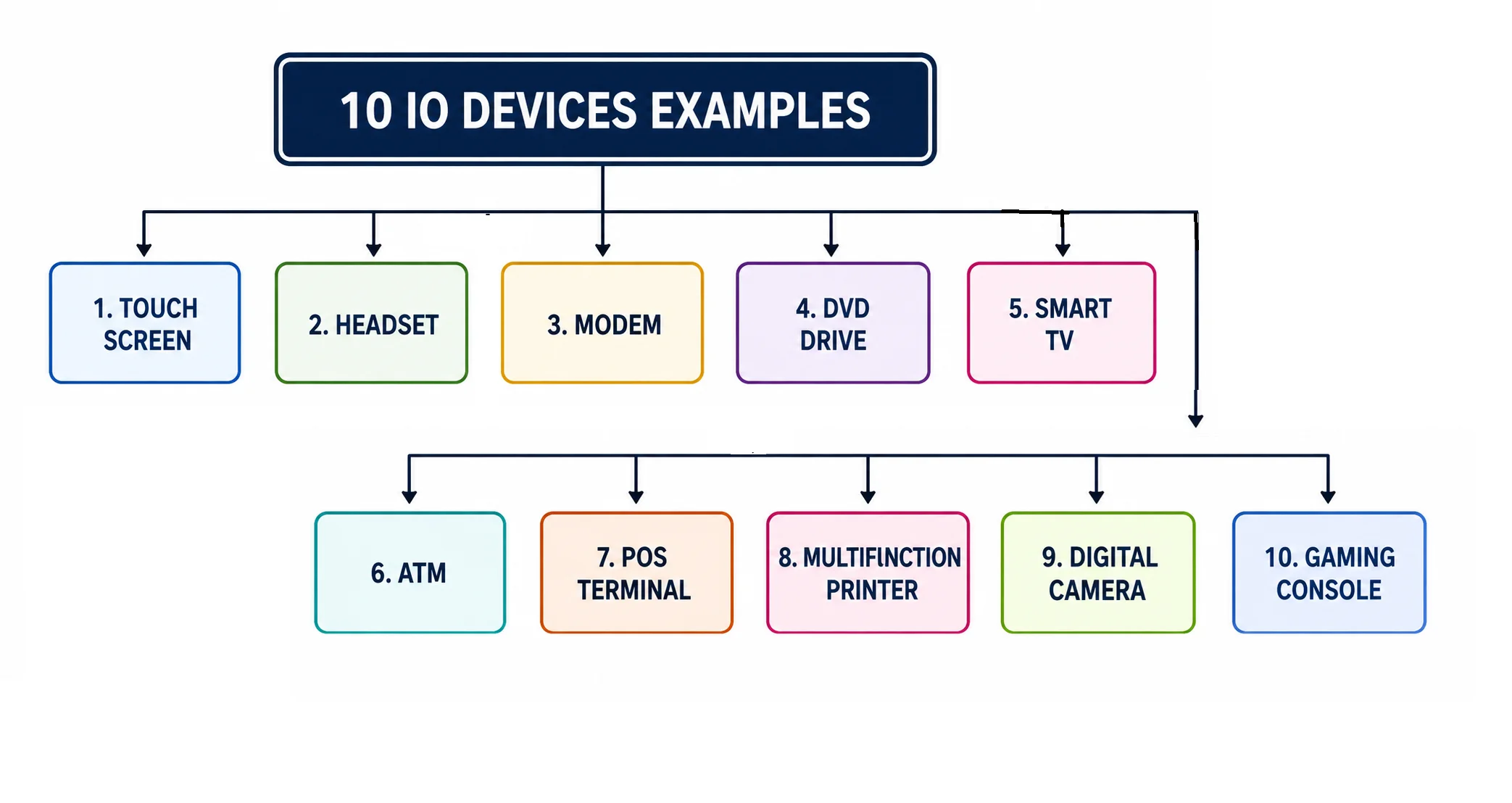
In this article, we will explore these Input/output devices with simple explanations and pictures. You will learn what they are, how they work, and how they are used in our daily life.
Touch screen
A touchscreen is a special kind of screen that you can actually touch to interact with your device. Instead of just looking at what’s on the screen, you can tap, swipe, or even draw on it.
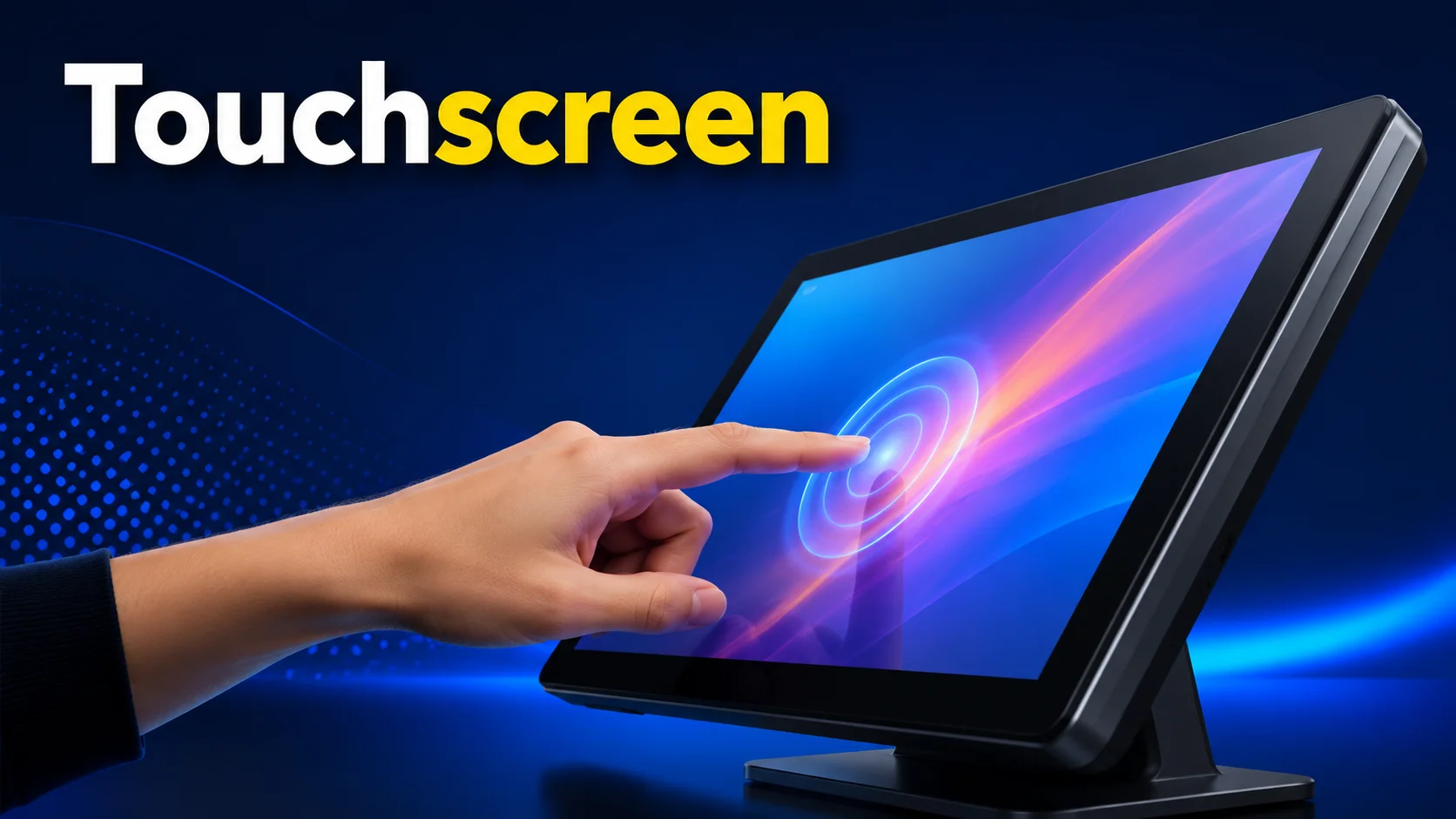
It becomes a io device because it works both ways. When you touch it, it takes input from you. At the same time, it gives output by showing images, text, or animations, whatever you want, right at your fingertips.
Headset
A headset with a microphone is a perfect example of a hybrid Input/Output Device. It has two main parts: speakers and a mic.
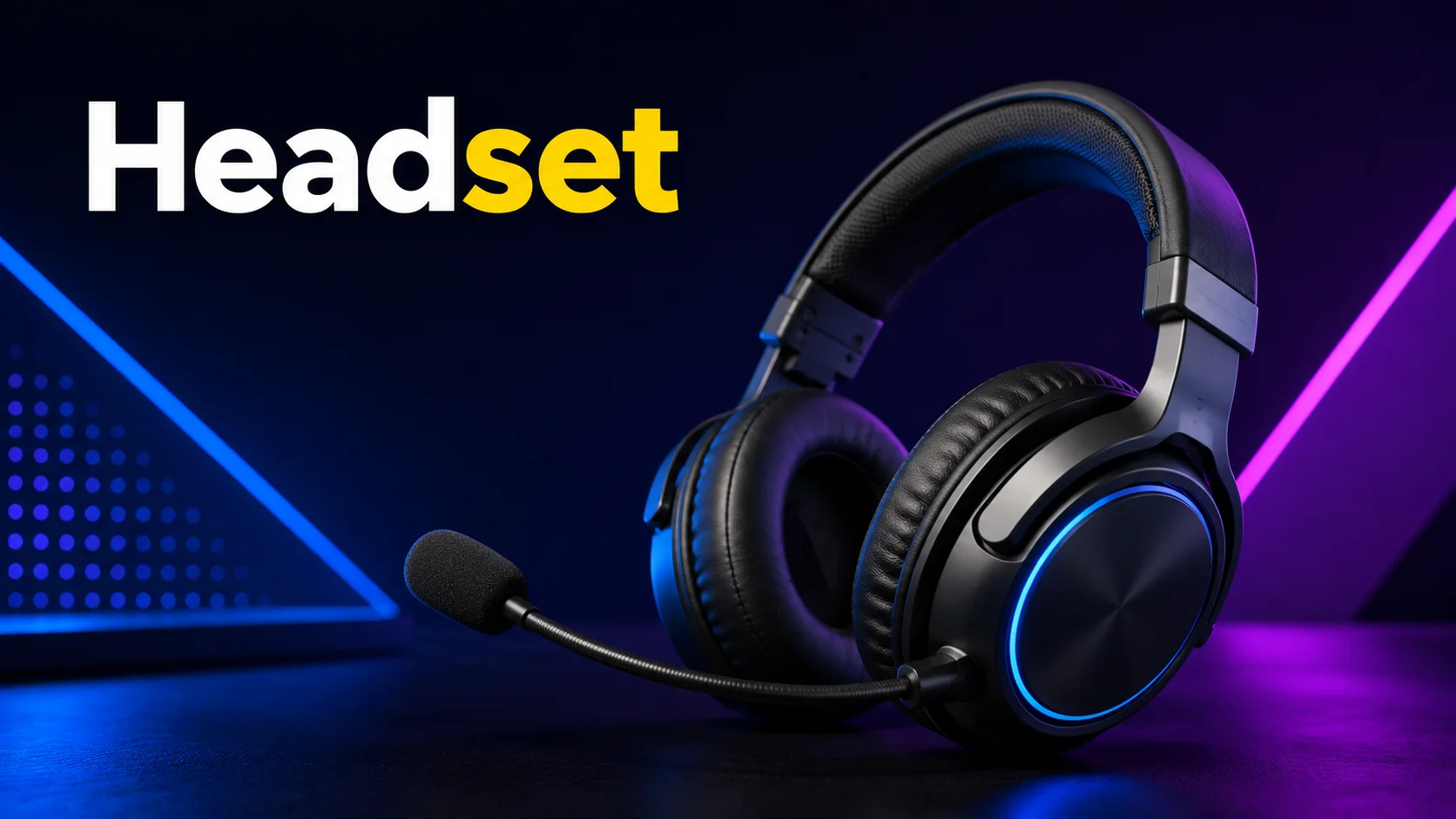
The speakers let you listen to sound from your computer, like music, videos, or game audio – so that’s the output part. The microphone lets you talk or record your voice, which is the input part.
They make communication smooth because you can listen and speak using just one device. Plus, they come in different types: wired, wireless, noise-cancelling, or simple earbuds with a mic.
Modem
A modem is a device that lets your computer send and receive data over the internet. The “sending” part is the input, and the “receiving” part is the output.
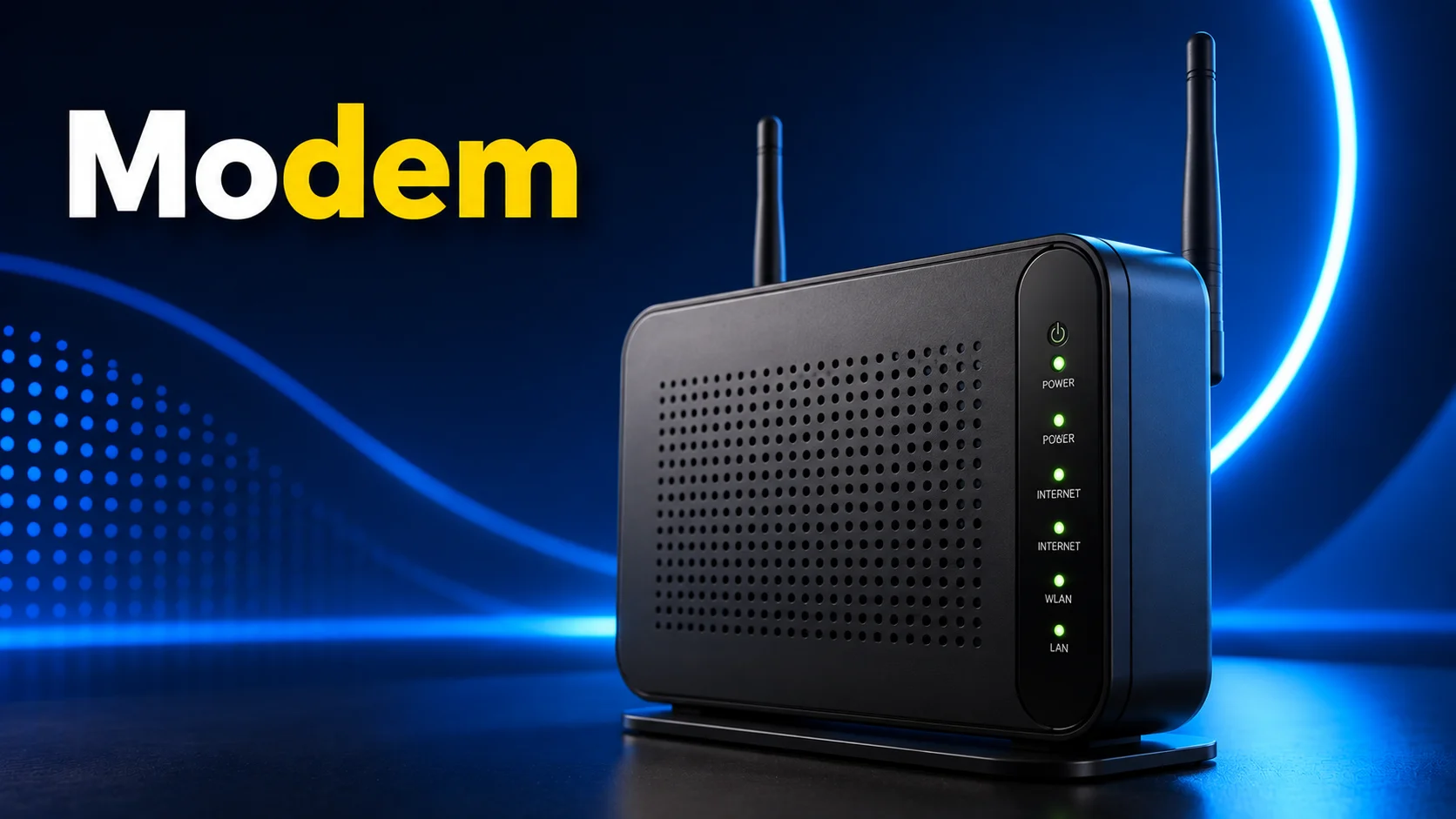
Basically, it translates digital signals from your computer into signals that can travel over phone lines or cable networks, and then converts incoming signals back into digital form for your computer.
DVD
A DVD drive can read data from DVDs and write data onto them. When it reads a DVD, it takes information from the disc and sends it to the computer – this is the input part.
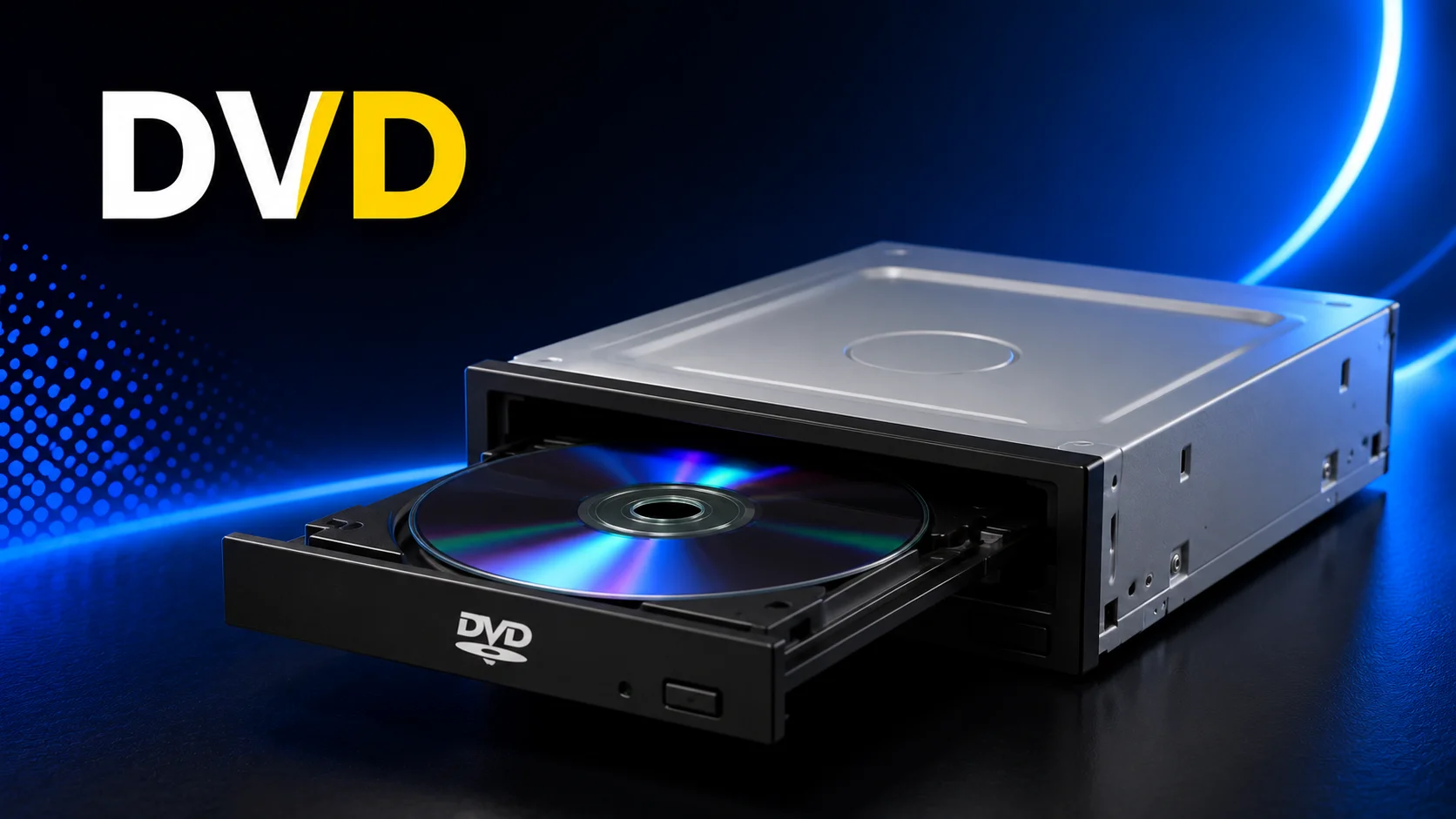
When it writes or burns data onto a DVD, it sends information from the computer to the disc – this is the output part. You’ll see DVD drives in laptops, desktops, or external drives.
Smart TV
A Smart TV is a television that combines regular TV features with internet-based functions. You can use it to watch TV channels, stream movies and videos, browse the internet, and use apps such as YouTube and Netflix.
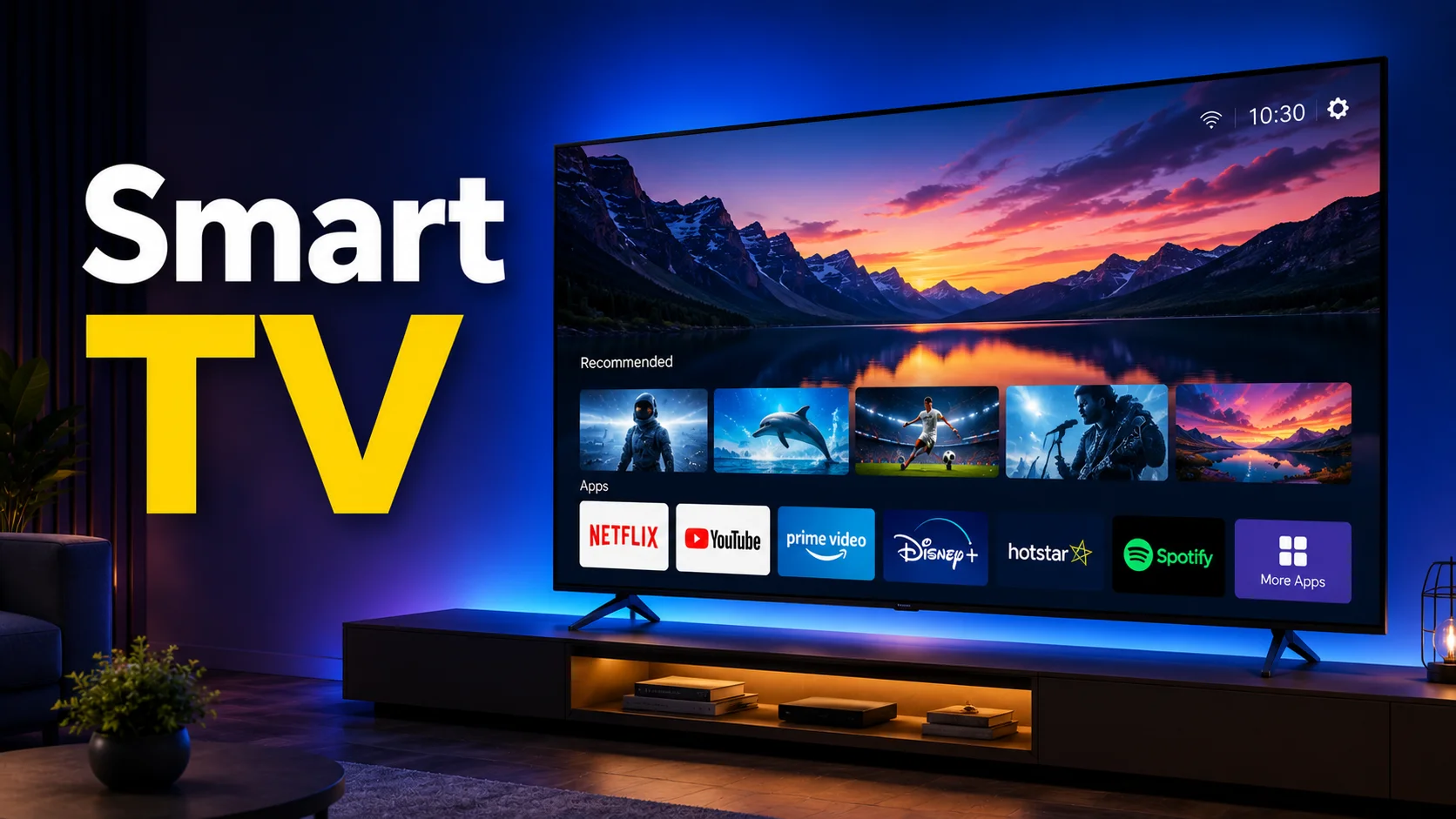
It also lets you connect devices like smartphones, laptops, and gaming consoles. Because it can handle different types of tasks through its built-in computer system, a Smart TV is a modern io device.
ATM
An ATM (Automated Teller Machine) is a self-service machine that lets people withdraw cash, check their account balance, and perform other basic banking tasks.
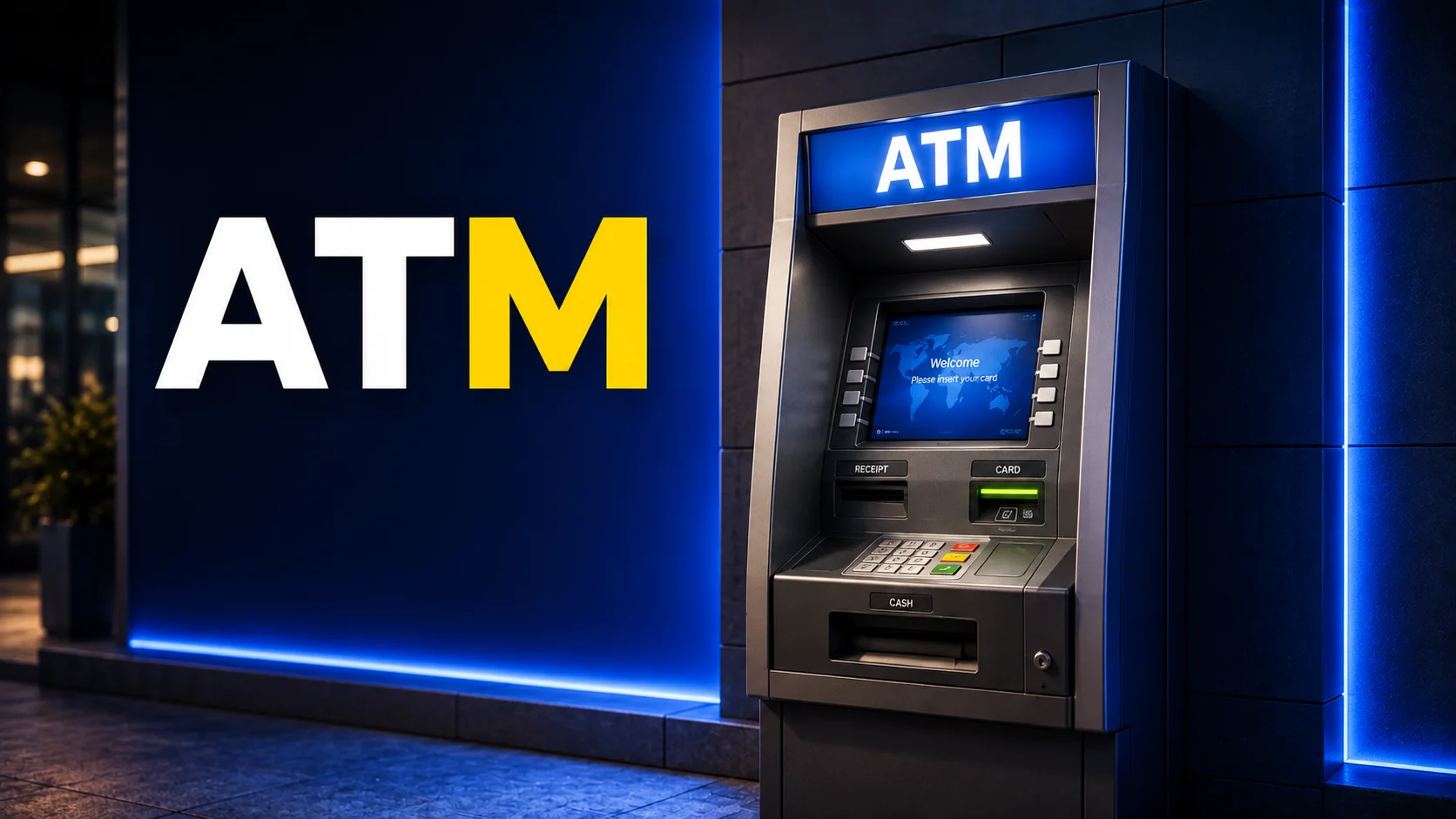
It reads information from your bank card and processes your request before completing the transaction. ATMs also use a screen and keypad to let users enter and view information. This combination of physical operations and computer-based processing makes an ATM a useful example of io device.
POS Terminal
A POS (Point of Sale) Terminal is a device used in shops and businesses to process payments. It can read debit or credit cards, accept contactless payments, display the transaction amount, and send payment information for processing.
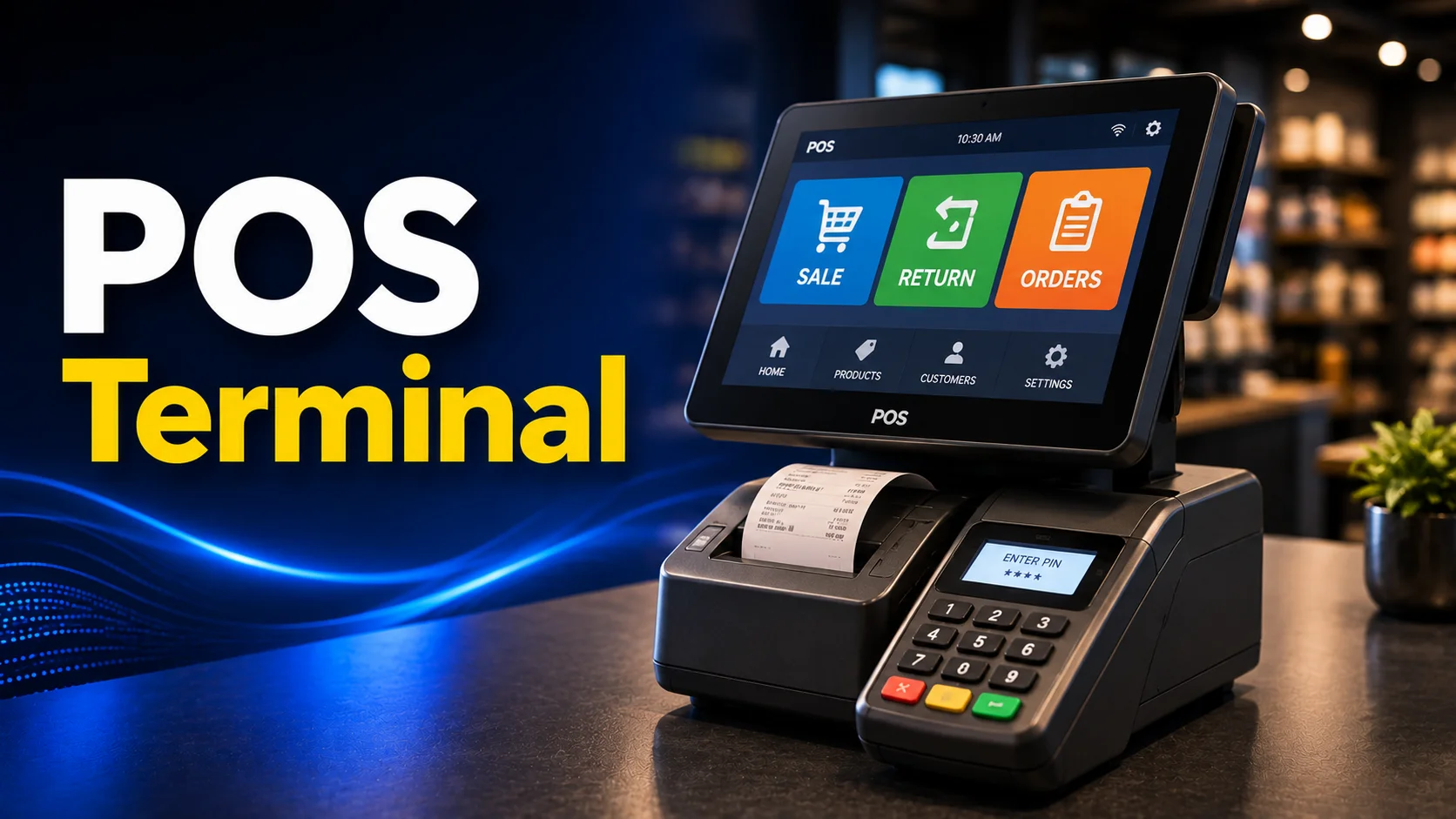
Many POS terminals also have a touchscreen that allows the seller to enter or select items. This makes them useful for handling sales and payments quickly.
Multifunction Printer
A Multifunction printer (MFP) is a device that combines several office tasks in one machine. It can print, scan, copy, and sometimes fax documents.
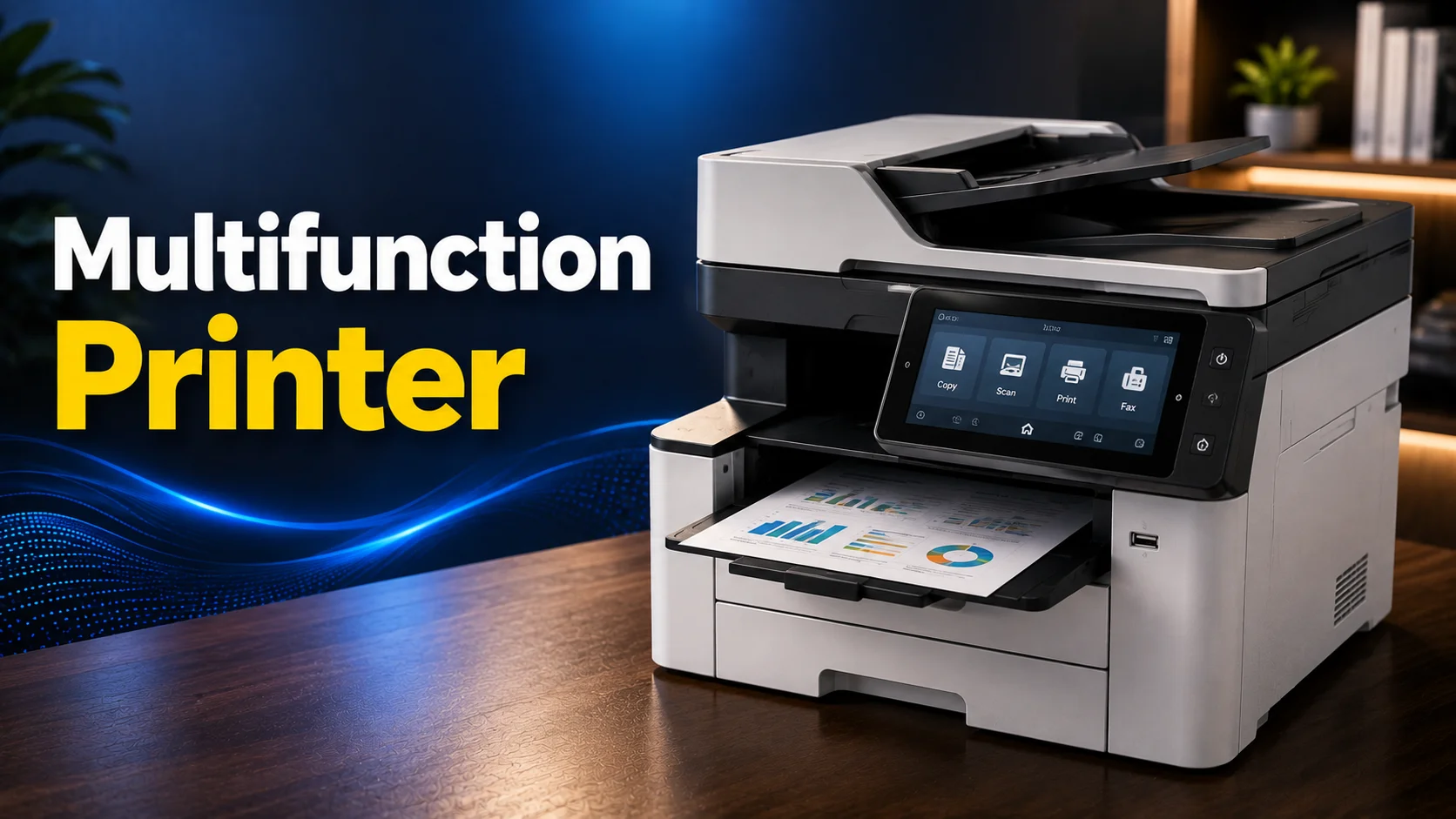
Users can send a document from a computer or place a paper document on the scanner to create a digital copy. This saves space and makes everyday office and school work easier.
Digital Camera
A Digital Camera captures photos and videos and stores them as digital files. Unlike a traditional camera, it has a screen that lets you preview your shots and review saved images.
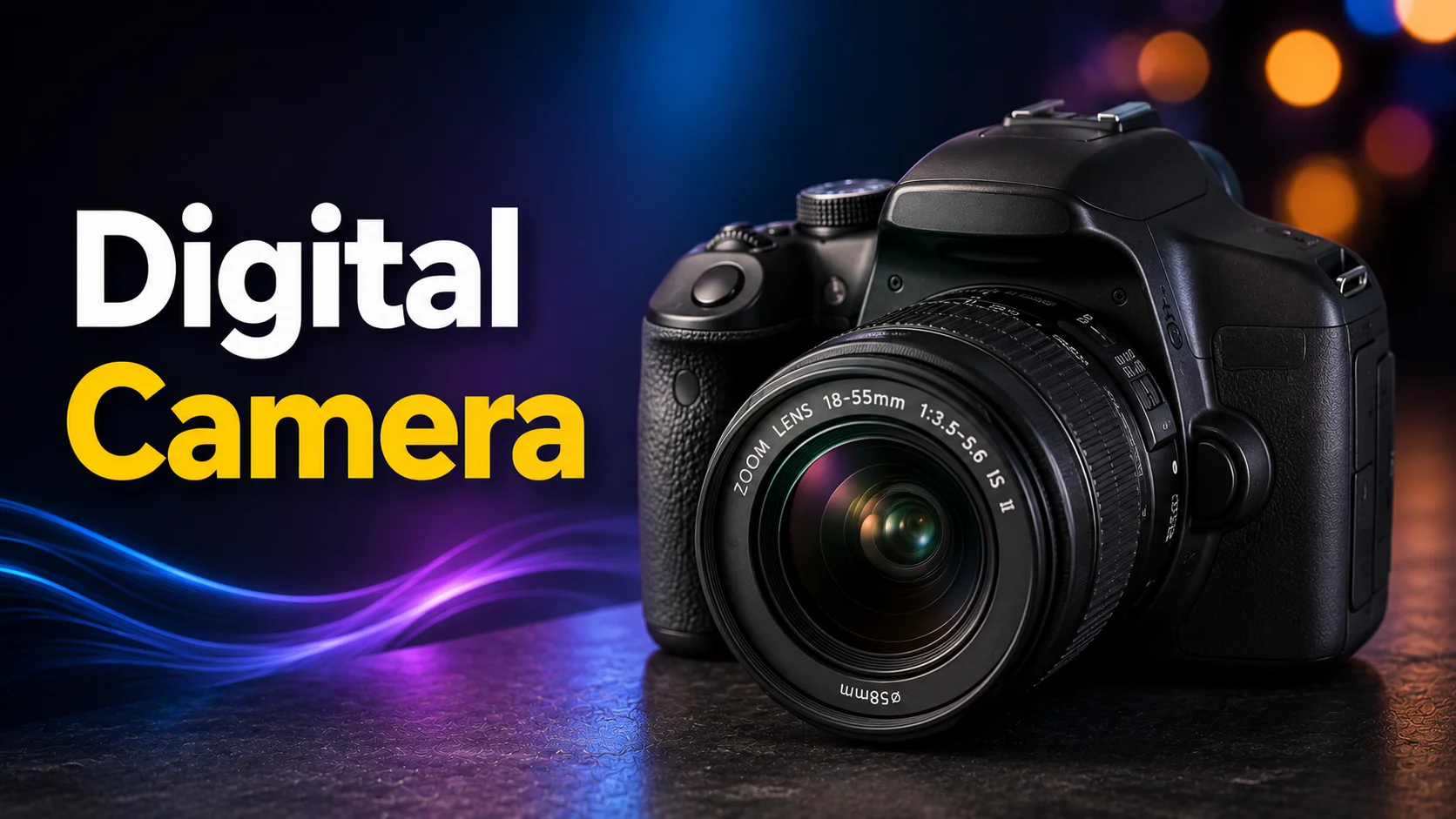
You can also transfer the photos and videos to a computer, phone, or other device for editing and sharing.
Gaming Console
A Gaming Console is a device designed mainly for playing video games. It processes game data, creates graphics, produces sound, and responds to input from a controller.
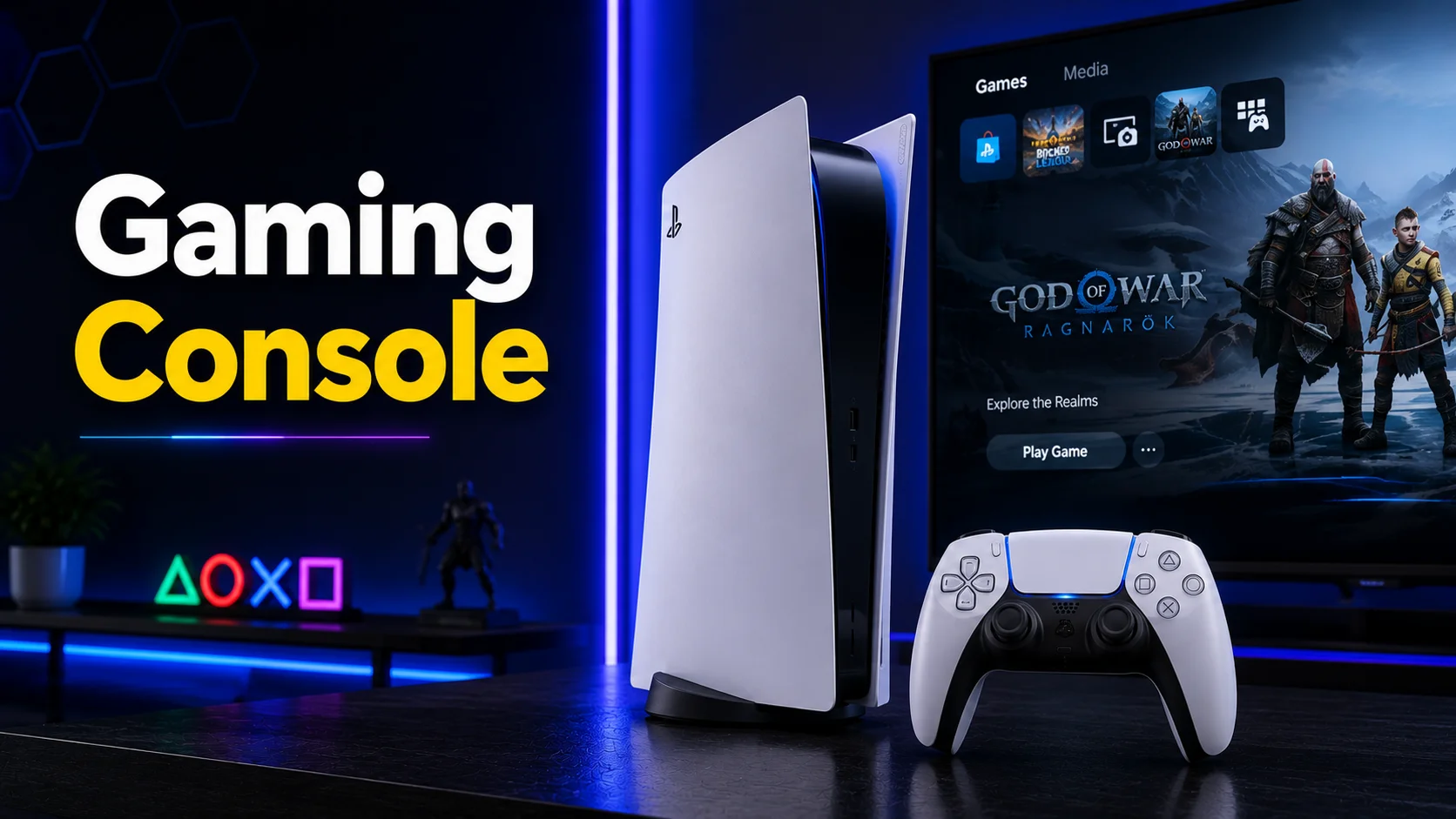
Modern consoles can also connect to the internet, allowing users to download games, stream content, and play with other people online.
Conclusion
I/O devices are an important part of the technology we use every day. Unlike simple input or output devices, they can send information to a system and also receive information from it.
In this article, we covered 10 I/O device examples, including touch screens, headsets, modems, ATMs, POS terminals, multifunction printers, digital cameras, and gaming consoles.
We hope this article helped you understand what I/O devices are and how they work. If you have any questions or want to know more about any of these devices, feel free to ask in the comments.


- Be Respectful
- Stay Relevant
- Stay Positive
- True Feedback
- Encourage Discussion
- Avoid Spamming
- No Fake News
- Don't Copy-Paste
- No Personal Attacks
- Be Respectful
- Stay Relevant
- Stay Positive
- True Feedback
- Encourage Discussion
- Avoid Spamming
- No Fake News
- Don't Copy-Paste
- No Personal Attacks
