How GPU Choice Affects Everyday PC Performance: A Practical Guide
Published: 3 Jul 2026
Most people only think about their graphics card when a game stutters or a video takes forever to export.
But your GPU quietly shapes almost everything you do on a computer, from browsing with dozens of tabs open to editing photos or joining a video call. If two similar computers feel worlds apart in speed, the graphics card is often the reason why.
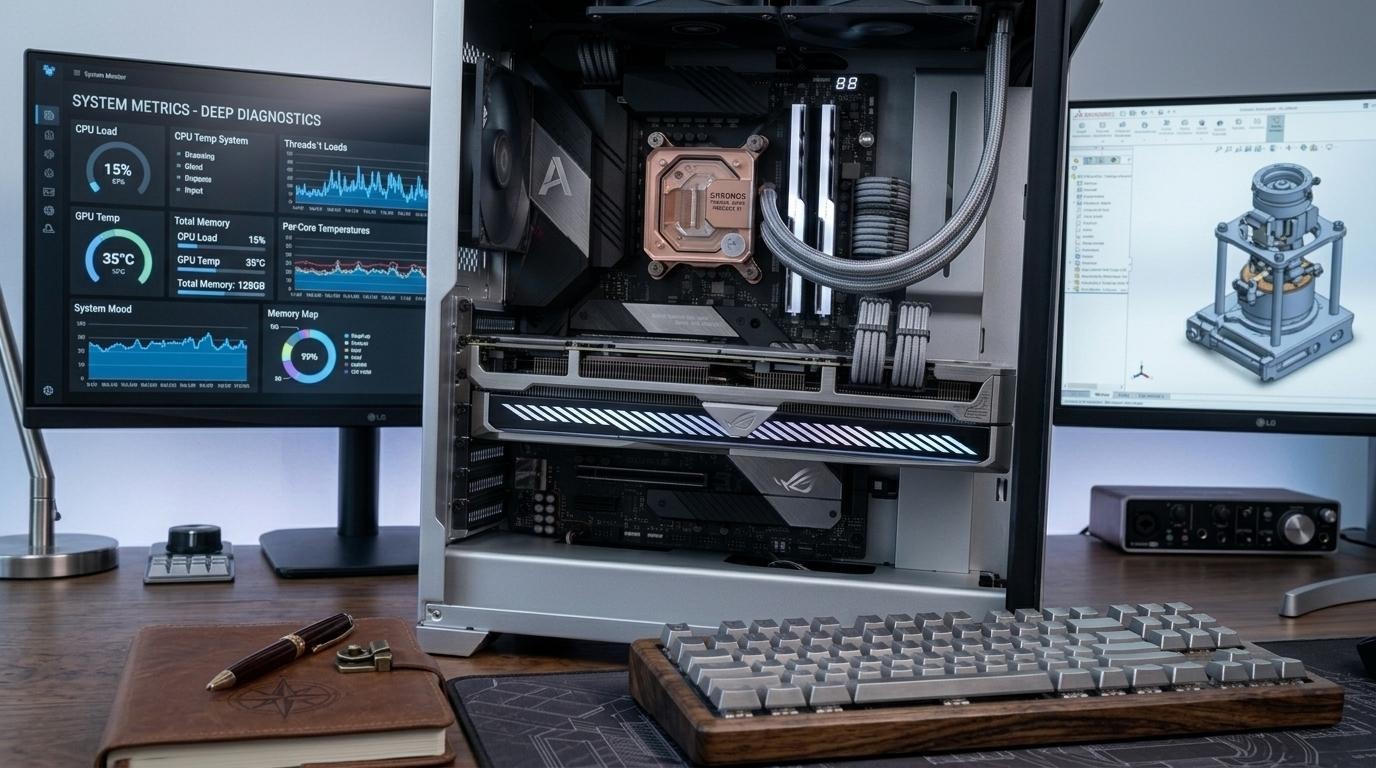
This article works well as a practical GPU performance guide for anyone choosing a graphics card without getting lost in jargon.
Whether you are building a new PC or thinking about a smart way to save money by choosing to buy refurbished GPUs from a trusted seller, this guide covers what really matters.
What a GPU Actually Does
A graphics processing unit renders images, video, and animations on your screen. While the cpu handles general computing, the GPU specializes in processing many calculations at once, making it ideal for visual data.
Today, GPUs affect far more than gaming. Browsers, video calls, and even simple window animations often rely on GPU acceleration, so a weak card can make a computer feel sluggish even during basic tasks.
Why GPU Choice Matters For Everyday Users
Choosing the right GPU is not just about chasing high frame rates. It affects responsiveness, multitasking, and how well your system handles modern software.
- Gaming Performance: A capable GPU allows smoother frame rates and higher settings without stuttering. An underpowered one can turn even a well built game into a laggy, frustrating experience.
- Video Editing and Content Creation: Creative software increasingly uses GPU acceleration for real time previews and faster exports. A stronger GPU can shrink render times from minutes to seconds.
- Everyday Multitasking: Running multiple monitors, streaming video, or using GPU accelerated apps all depend on your graphics card. A weak GPU can cause stuttering or delayed screen redraws, especially with several tasks running at once.
Main Specs to Understand Before You Buy
A useful GPU performance guide should also explain which specs actually matter.
VRAM
Video memory determines how much data your GPU can access quickly. Higher VRAM matters most for high resolution textures, multiple displays, or memory heavy applications.
Core Count and Clock Speed
More cores generally mean better parallel processing, which helps both gaming and creative work. Still, architecture and efficiency matter just as much as raw numbers.
Power Draw and Cooling
A powerful GPU draws more energy and produces more heat, so your system needs adequate cooling and a capable power supply. Otherwise, thermal throttling can quietly reduce performance.
New vs Refurbished GPUs
Many buyers now choose between a brand new GPU and a refurbished one. Refurbished cards are often tested and verified before resale, making them a smart choice for budget conscious users who still want solid performance.
That said, it is wise to buy refurbished GPU units only from reputable sellers offering warranties and clear return policies, which reduces the risk of hidden wear. Done carefully, this can be one of the smartest ways to get strong performance without paying full price.
Matching GPU to Your Needs:
Not everyone needs the most powerful card available, and overspending is one of the most common buying mistakes. Casual users browsing the web and doing everyday office work can typically rely on entry level or integrated graphics.
Gamers should prioritize strong core performance and enough VRAM, while creative professionals should focus on GPUs known for solid acceleration in their specific software.
Thinking this way, rather than chasing the newest release, is one of the most useful ideas in this GPU performance guide, since it ensures your money goes toward performance you will actually use.
Common Mistakes to Avoid
Many buyers focus on a single spec, like clock speed, while completely ignoring how components work together as a complete system. Others overlook power supply compatibility, which can cause instability.
Driver and software support also matter more than people expect. A powerful GPU with poor driver optimization can underperform compared to a slightly weaker one with excellent support, so staying updated on drivers can meaningfully improve real world results.
Final Thoughts
Your GPU remains one of the most influential parts of your system, shaping everything from gaming to everyday multitasking, browsing, and creative work. Understanding key specs and balancing performance with budget leads to far better decisions over time.
Whether you choose a new graphics card or decide to buy refurbished GPU hardware to save money, focus on your actual needs rather than hype or marketing claims.
Using the insights from this GPU performance guide, you can confidently pick a GPU that keeps your everyday computing fast, smooth, and reliable for years to come.



- Be Respectful
- Stay Relevant
- Stay Positive
- True Feedback
- Encourage Discussion
- Avoid Spamming
- No Fake News
- Don't Copy-Paste
- No Personal Attacks
- Be Respectful
- Stay Relevant
- Stay Positive
- True Feedback
- Encourage Discussion
- Avoid Spamming
- No Fake News
- Don't Copy-Paste
- No Personal Attacks
