Functions of Mouse Buttons | With Real Life Example
Published: 15 Sep 2026
Have you ever wondered how a simple click tells the computer what to do? Mouse buttons help us select, open, move, and control things on the screen easily.
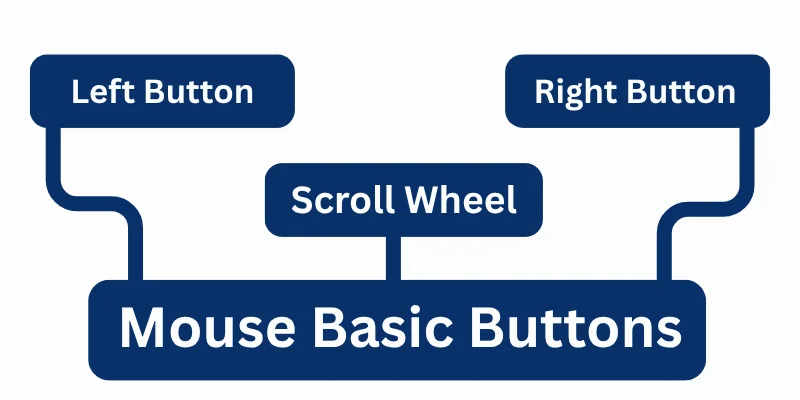
In this lesson, we will learn about mouse buttons and how they make computer work simple and fast.
Left Mouse Button
The Left Mouse Button is the most commonly used button on a mouse.
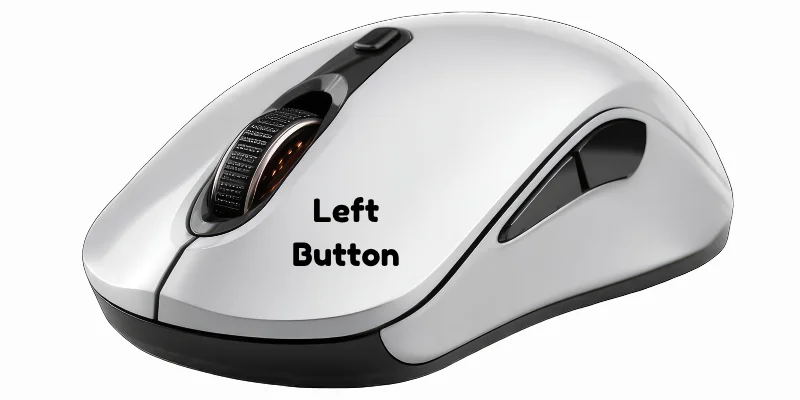
It is used to select items, open files or folders, and choose options on the computer screen. A single click selects something, while a double click opens it.
Right Mouse Button
The Right Mouse Button is used to open a shortcut menu on the screen.
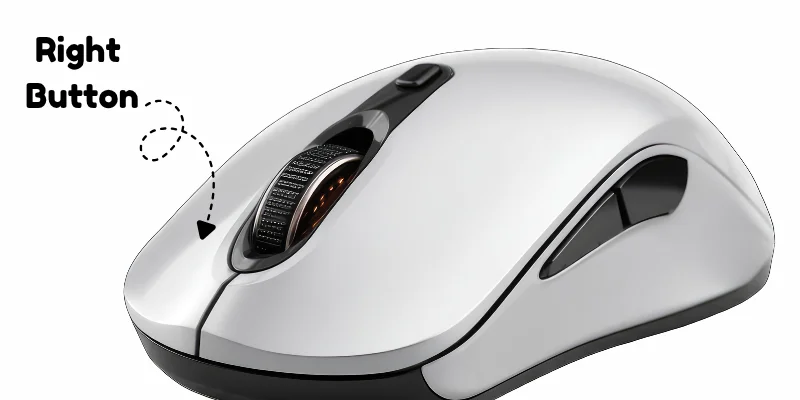
When you right-click an item, it shows useful options like Copy, Paste, Rename, and Delete. It helps users quickly access different commands without opening menus.
Scroll Wheel Button
The Middle Button (Scroll Wheel Button) is located between the left and right mouse buttons.
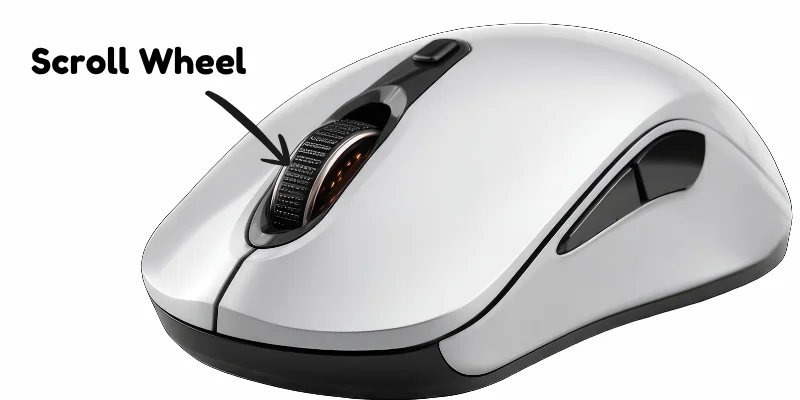
It is mainly used to scroll up and down pages, making reading long documents or websites easier. In some programs, pressing the scroll wheel also works as an extra button for quick actions.
Real-Life Example
Imagine you want to open your homework file on the computer. You use the left mouse button to select and open the file, the right mouse button to see options like rename or delete, and the scroll wheel to move up and down while reading your work. This shows how mouse buttons help us use the computer easily every day.
Final Words
In this article, we learned about basic mouse buttons and their different uses, including the left, right, and middle (scroll wheel) button.
We also understood how these buttons help us control the computer easily in daily tasks. If you have any confusion or questions, feel free to ask – learning becomes easier when you ask and explore more.



- Be Respectful
- Stay Relevant
- Stay Positive
- True Feedback
- Encourage Discussion
- Avoid Spamming
- No Fake News
- Don't Copy-Paste
- No Personal Attacks
- Be Respectful
- Stay Relevant
- Stay Positive
- True Feedback
- Encourage Discussion
- Avoid Spamming
- No Fake News
- Don't Copy-Paste
- No Personal Attacks
