Wired Mouse vs Wireless Mouse | Full Comparison
Published: 15 Sep 2026
Hi Buddies! In this article, we will cover what wired and wireless mice are, their advantages and disadvantages, and even a comparison to help you choose the right one for your needs.
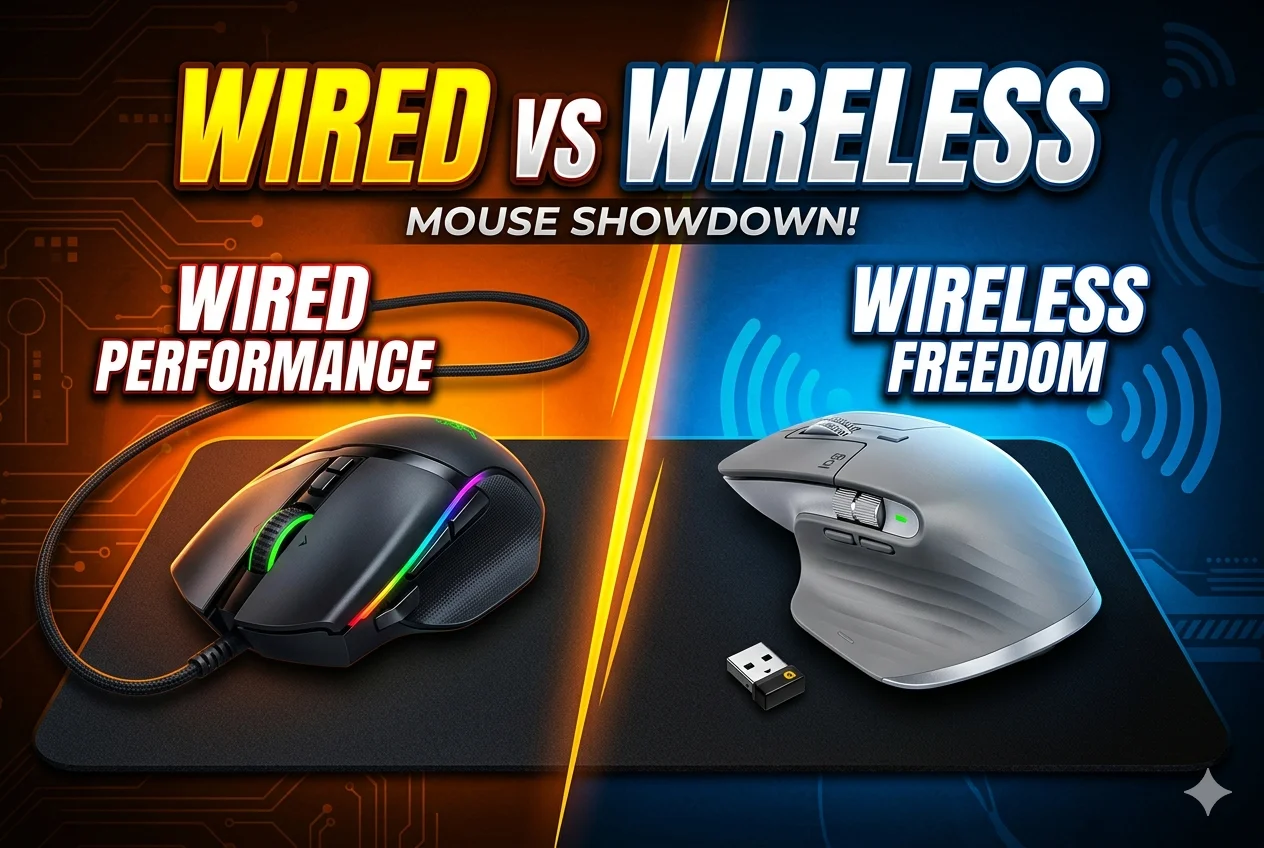
By the end, you’ll know exactly which mouse suits your work, gaming, or everyday tasks.
What is Wired Mouse
A wired mouse is a computer pointing device that connects to a computer using a physical cable, usually through a USB port. It allows users to move the cursor, click, drag, and interact with items on the screen.
Because it is directly connected, a wired mouse provides a stable connection without batteries or wireless signals. It is commonly used in offices, homes, and gaming setups for reliable performance.
Advantages of a Wired Mouse
- Usually more affordable than wireless mice
- Often lighter in weight because it has no battery
- Works well with older computers and systems
- No need to charge or replace batteries over time
Disadvantages of a Wired Mouse
- The cable can wear out or break after long use
- Less convenient for travel due to the attached wire
- Cable length may limit desk arrangement
- The wire can get tangled with other cables on the desk
What is Wireless Mouse
A wireless mouse is a computer pointing device that connects to a computer without a physical cable. It usually uses Bluetooth or a small USB receiver to communicate with the computer.
A wireless mouse allows users to move the cursor, click, and scroll freely from a distance. It runs on batteries or rechargeable power, making it convenient and easy to use without cable clutter.
Advantages of Wireless Mouse
- Easy to carry with laptops while traveling or working in different places
- Allows comfortable use from a distance (useful for presentations or media control)
- Reduces wear and damage caused by bending or pulling cables
- Helps keep the workspace more flexible for different sitting positions
Disadvantages of Wireless Mouse
- Usually more expensive than a basic wired mouse
- Can stop working suddenly if the battery runs out
- Small USB receiver can be lost easily
- May have slightly higher response delay in some cases
Wired Mouse vs Wireless Mouse
| Wired Mouse | Wireless Mouse |
|---|---|
| Connects through a physical cable (usually USB) | Connects without a cable using Bluetooth or a USB receiver |
| Does not require batteries | Requires batteries or rechargeable power |
| Limited movement because of the cable | More freedom to move without a cable |
| Plug and play, very easy to set up | May require pairing or inserting a receiver |
| Very stable connection with no signal issues | Connection may sometimes face interference |
| Has a cable that can create desk clutter | No cable, so the desk looks cleaner |
| Offices, basic computer work, and gaming | Portable use, laptops, and clean workspaces |
Final Words
Which mouse is better wired or wireless? Both have thier own uses and advantages. So, choosing between a wired and wireless mouse depends on how you plan to use it.
💠 If you want reliable performance with no lag, no batteries, and usually better budget options, a wired mouse is a great choice – especially for steady workstations and gamers who care about responsiveness.
💠 If you prefer freedom of movement, a clean desk setup, and portability (like using a laptop on the go), then a wireless mouse fits your lifestyle better.
For everyday office tasks and casual use, both work well, so pick what feels comfortable in your hand and fits your workspace.



- Be Respectful
- Stay Relevant
- Stay Positive
- True Feedback
- Encourage Discussion
- Avoid Spamming
- No Fake News
- Don't Copy-Paste
- No Personal Attacks
- Be Respectful
- Stay Relevant
- Stay Positive
- True Feedback
- Encourage Discussion
- Avoid Spamming
- No Fake News
- Don't Copy-Paste
- No Personal Attacks
